 Sev Leo, Founder of PineLead
What actually comes back
You send a good first email and someone writes back. Before deciding what to say, know the mix you are dealing with. Sales.co’s data on more than 2 million cold emails sent from 2024 to early 2026 found a 2.09% reply rate, and only 14.1% of those replies were positive. That works out to about 0.6% of everyone emailed showing real interest. If most of your replies are “no” or an out-of-office, your outreach isn’t broken. That is what replies look like.
What a cold-email reply usually is
Share of replies by type, across 2M+ cold emails sent in 2024 and early 2026.
So the number worth tracking is not reply rate. It is positive replies, and then calls that actually happen. Jen Abel, a founder-led sales advisor, tells founders to watch win rate, not reply rate. A reply is the start of a conversation, not a result.
How fast you need to answer
You have probably seen “respond in 5 minutes or lose the lead”. That claim comes from a 2007 MIT study and a 2011 Harvard Business Review audit of how companies handled inbound web leads, mostly by phone. Companies that called back within an hour were about seven times more likely to qualify the lead. Useful, but it is about someone who just filled in your form, not someone answering an email you sent.
Nobody has published a solid study on cold-email replies. A sensible standard for a solo founder is the same business day, and within an hour or two when the reply is clearly interested. Check your inbox at set times, say mid-morning and late afternoon, instead of living in it.
The replies, one by one
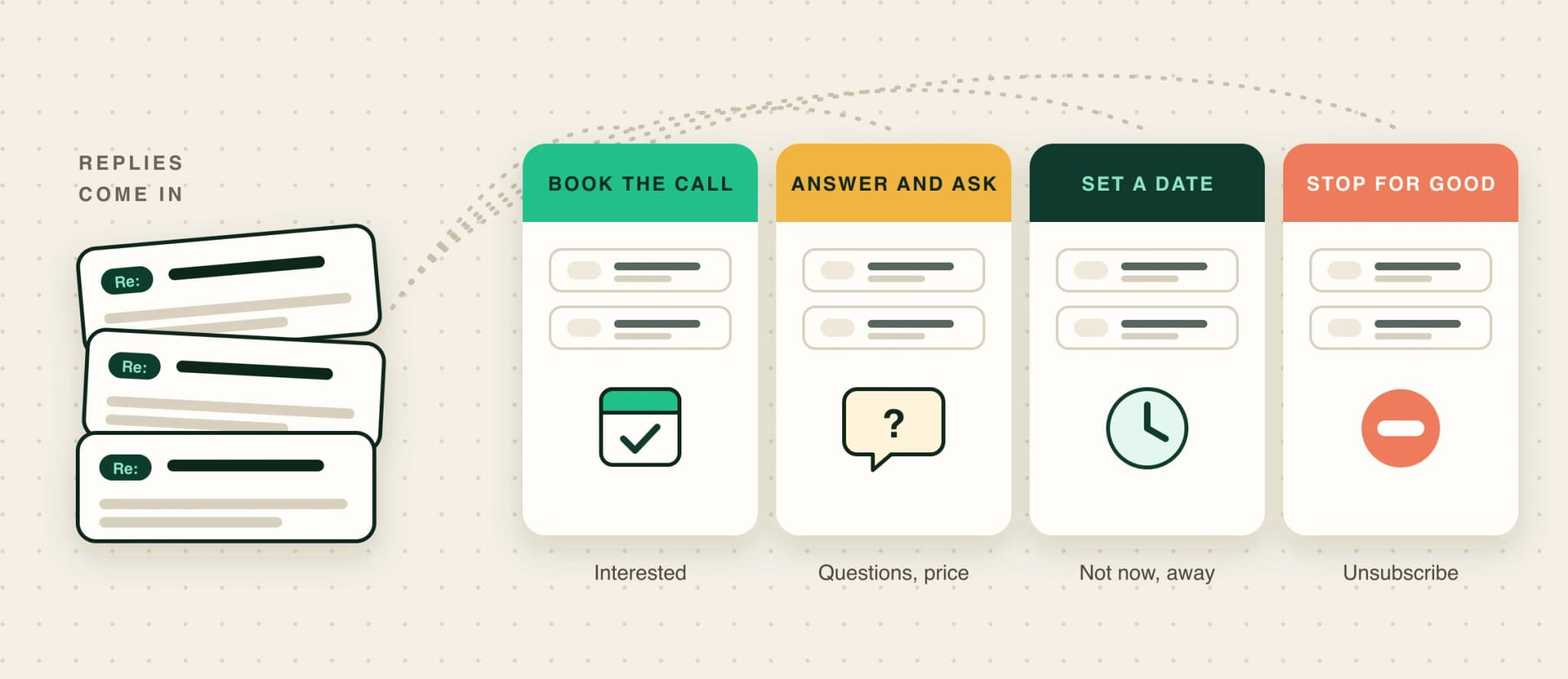
One rule covers most of them: answer the exact question, in a few lines, then ask one question back. The examples come from Maya, who sells Helpgrove, a made-up help-center tool for small SaaS teams. Gong’s research on sales calls found that average reps launch into a monologue after an objection, while top reps pause and ask something. The same holds in email.
“Sounds interesting, tell me more”
They are asking for a conversation, not a brochure. Give one sentence of context and propose a time.
Great. The short version: we'd turn your FAQ and support replies into a searchable help center on your domain, and you'd see the first 20 articles before paying anything.

Easiest to show you. Would Tuesday at 10:00 or Wednesday at 15:00 (your time) work for 20 minutes?
“Can you send me more info?”
Often a polite brush-off, sometimes real. In Gong’s analysis of 300 million cold calls, brush-offs like this made up about half of all objections. Send something short and specific to them, not a deck, and end with a question that is easy to answer.
Sure. Here's a 2-minute example built from a company your size: [link]

The part that's usually relevant is the search: it answers the CSV-import questions your FAQ gets. Is that the main thing your support inbox fills up with, or something else?
“What does it cost?”
Answer with a number. Dodging the price question reads as a sales tactic, and in Gong’s deal data, talking budget on the first call went with much higher win rates (correlation, not cause). Give the price, say what it depends on, and ask what they’d compare it with.
$49 a month for up to 200 articles, no setup fee, cancel anytime. Most teams your size stay on that plan.

What are you using for help content today, so I can tell you honestly whether it's worth switching?
“Talk to Alex, they handle this”
A referral is the best reply after a yes. Thank them, ask permission to mention them, and write to the new person as a fresh email that says who sent you. Copy the referrer only if they offered to make the intro. This is the referral ask working in your favour.
Subject: Sam suggested I write to you

Hi Alex,

Sam mentioned you look after support content at Kiteform. Your FAQ covers 12 questions while the changelog ships weekly, so I suspect the gap lands in your inbox.

Would a 20-minute look at what we'd build from your existing docs be useful?

Maya
“Not now, maybe next quarter”
Agree, ask for a date, and actually write back then. Don’t add them to a newsletter: replying to a cold email is not consent to marketing.
Makes sense. I'll check back in early January, unless you'd rather I didn't. Is there anything that would make it worth looking at sooner?
“Not interested” and “we already use X”
Thank them and leave it. If they named a tool, one question is fine (“is anything missing from it?”), but only once. Gong found “already using something” was the rarest objection on cold calls, under 8%, so take it as a real answer rather than a brush-off.
“Unsubscribe”, “stop”, or an angry reply
Confirm in one line, remove them, and don’t send a last pitch. The rules are clear: under CAN-SPAM you have 10 business days to honour an opt-out, and under GDPR an objection to direct marketing has to be honoured, full stop. An angry reply is cheaper than a spam complaint, which hurts your sender reputation. Apologise briefly and suppress the address in every tool you use.
Sorry about that, I've removed you and won't write again.
Out-of-office replies
Skim them for a return date and a named colleague. If they name someone who covers their work, treat it like a referral and write to that person, mentioning the out-of-office. Otherwise follow up after the return date.
Booking the call
Once they are interested, stop asking whether they are interested. Gong’s study of 304,174 emails found that proposing a specific time worked best once a conversation was under way, even though it works badly in a first cold email. Offer two concrete times in their time zone. Add your booking link as a fallback, not as the only option: some people find being sent a link off-putting (a Hacker News thread on founder sales split on exactly this).
- Make the invite self-explanatory. A title with both company names, one line on what you’ll cover, and a video link.
- Confirm the day before with a one-line email. It cuts no-shows and gives them an easy way to move it.
- If they don’t show, wait ten minutes, then send one friendly note offering two new times. No guilt trip.
Keeping track
A spreadsheet works fine at this volume. For every reply, note the type, what you sent back and the next step with a date. After a month the “not interested” column tells you more about your targeting than any reply-rate number. If half of them say “we’re too small for this”, your qualification criteria need a disqualifier.
Handling replies in PineLead
In PineLead
Replies land on the lead; you answer them
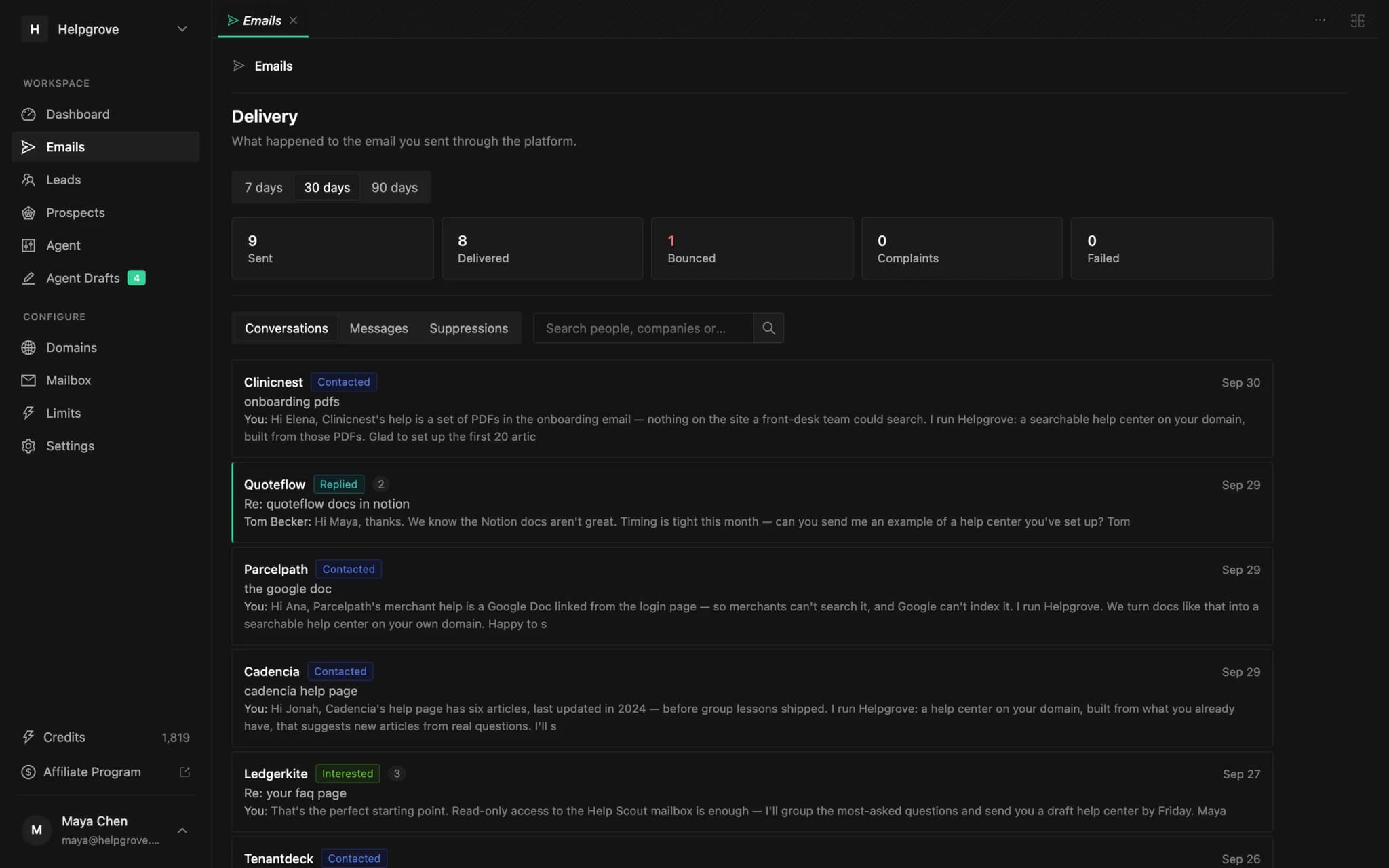
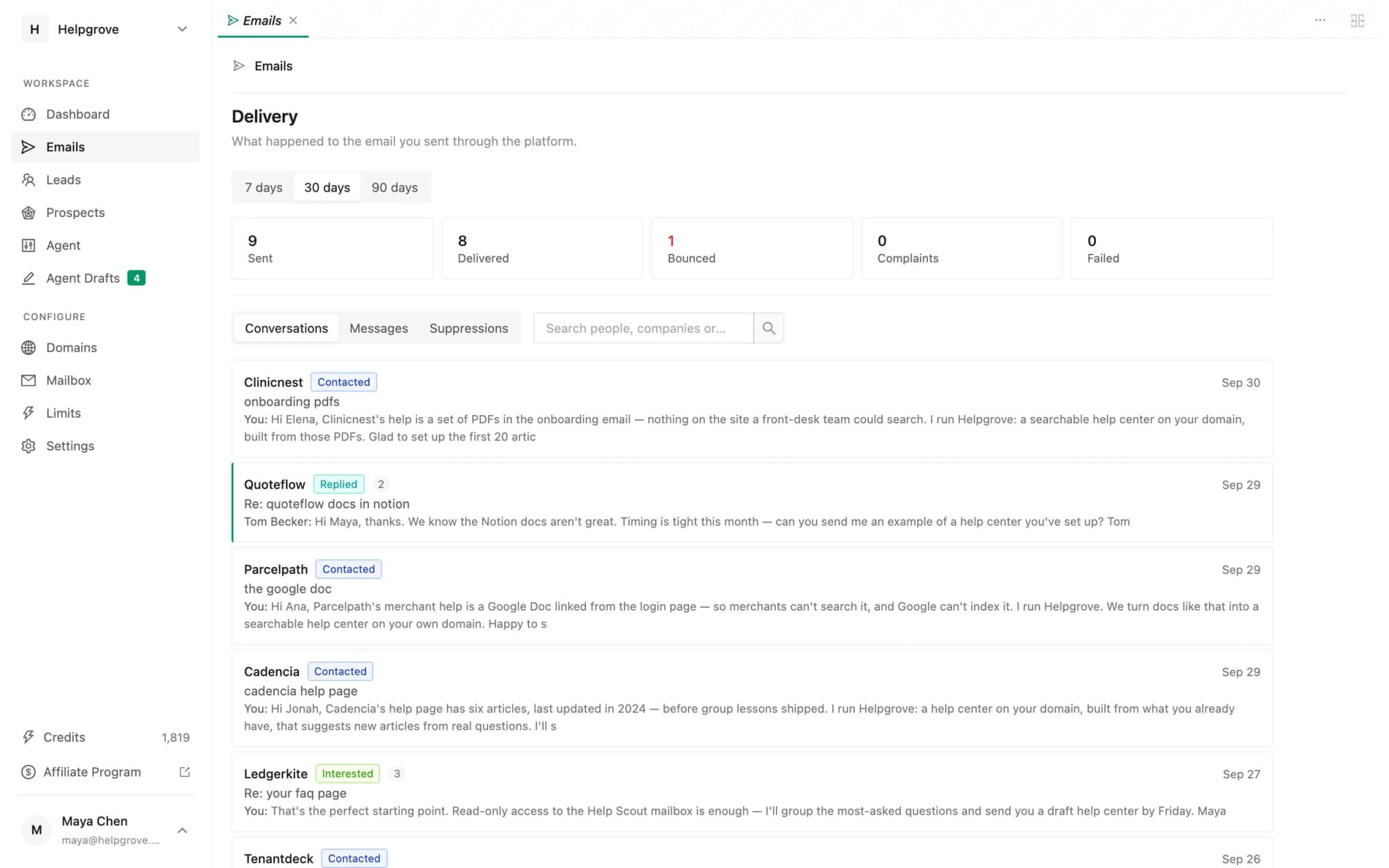
PineLead sends your first emails from your own Google mailbox and reads replies back from it. Each reply lands in the lead’s thread, and the lead moves to Replied on its own. PineLead doesn’t answer replies for you; you write back from the thread, and it goes out as a reply in the same conversation.
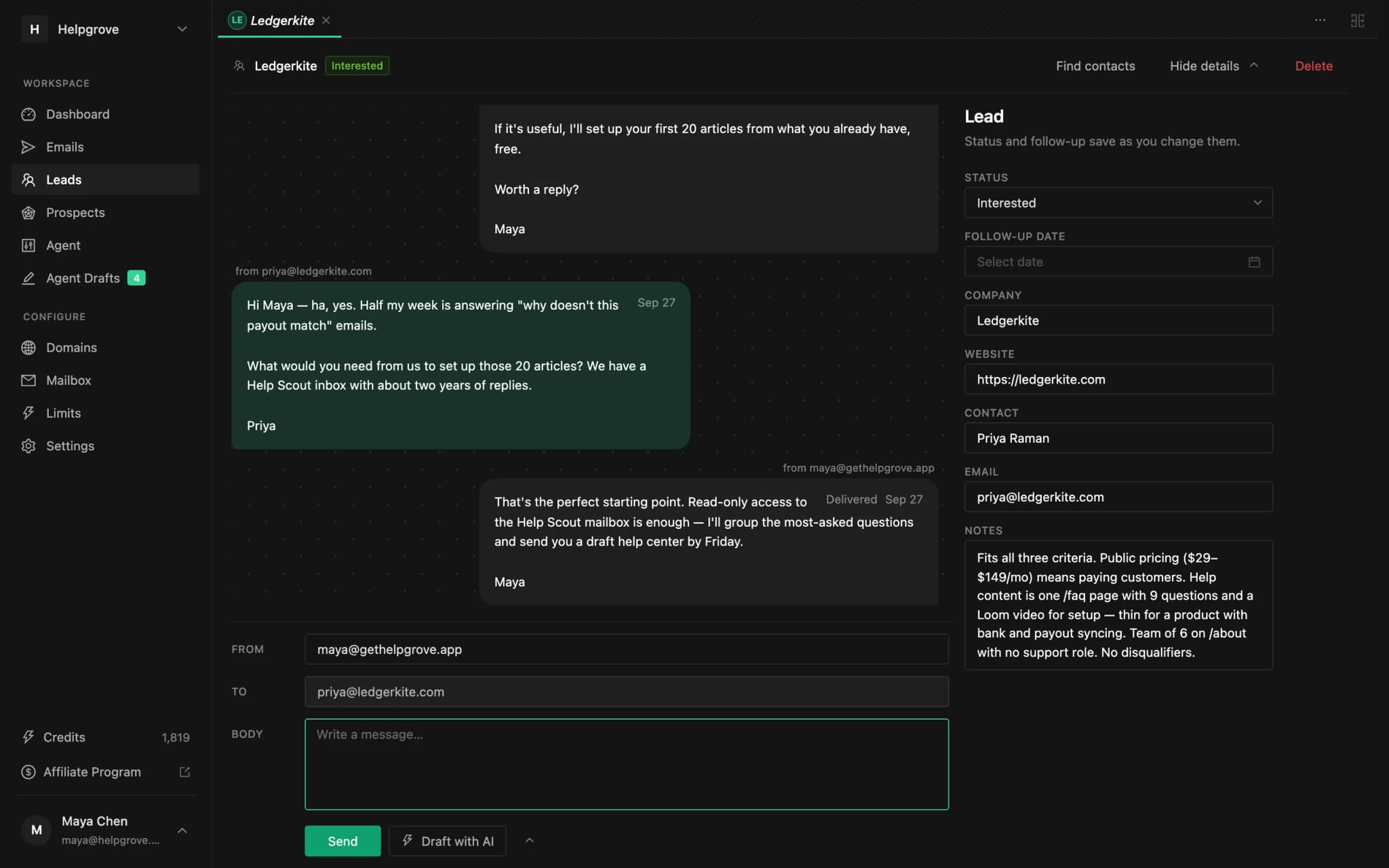
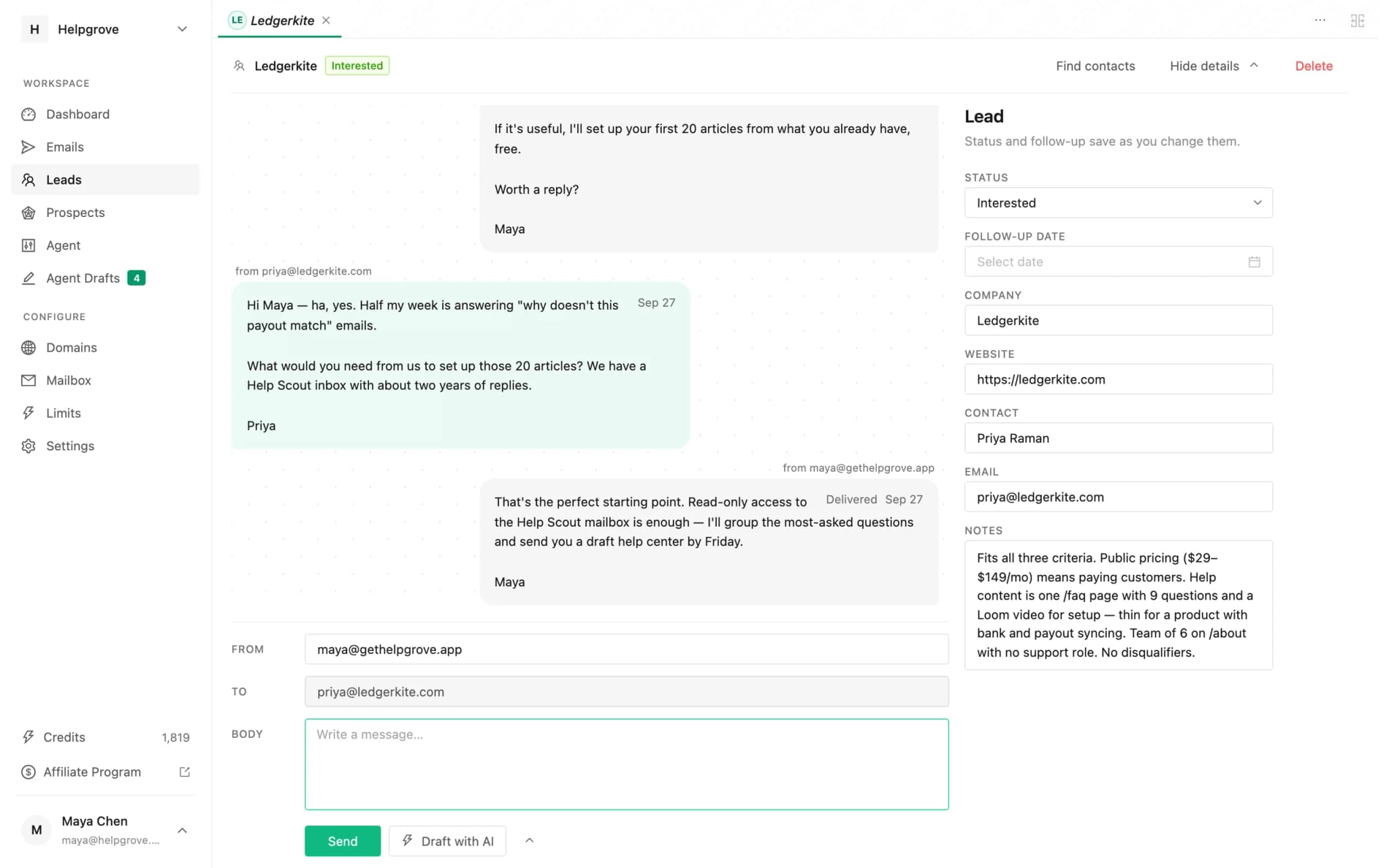
- Find who replied. Under Emails, conversations with a reply are marked, newest first.
- “Not now”: set a follow-up date on the lead. It shows under Follow-ups due today on the dashboard when the day comes.
- “Stop”: anyone who uses the one-click unsubscribe, hard-bounces or marks you as spam is suppressed automatically. A “stop” typed into a reply isn’t, so mark the lead Not interested. PineLead only ever drafts first emails to leads it has never written to, so nothing goes to them again unless you send it.
Frequently asked questions
- How quickly should I respond to a cold email reply?
- The same business day, and within an hour or two when the reply is clearly interested. The well-known “respond in 5 minutes” figures come from studies of inbound web leads handled by phone, not replies to cold emails.
- How do I respond when a prospect says “not interested”?
- Thank them and leave it. If they mention a tool they already use, one question about what’s missing is fine, but only once. Never follow up with another pitch.
- What should I say when someone asks for more information?
- Send something short and specific to them, such as a two-minute example or one relevant page, instead of a deck. End with one easy question so the conversation keeps going.
- Should I send a Calendly link or propose times?
- Propose two specific times in their time zone and offer your booking link as a fallback. Gong found specific times work best once a prospect is engaged, and some people dislike being sent a link to do the work.
- What do I have to do when someone asks me to stop emailing?
- Confirm in one line, remove them from every tool, and don’t send a last pitch. CAN-SPAM gives you 10 business days to honour an opt-out, and under GDPR an objection to direct marketing must always be honoured. This is not legal advice.
Try it on your own market
PineLead finds new B2B prospects every day, researches and qualifies each one against your criteria, and drafts a first email you approve. Start with 100 free credits.
Keep reading
 The first cold email: what 2026’s data says about length, personalization and follow-upsCold email reply-rate benchmarks for 2026, and what the data says about the first email: length, subject lines, personalization, the ask and follow-ups.
 Founder-led outbound: a 30-minute daily system for your first customersHow founders run outbound without a sales team: where first B2B customers come from, honest funnel math, a 30-minute daily routine, and when to hand off.
 Cold email deliverability in 2026: what Gmail, Yahoo and Outlook actually requireThe sender rules Gmail, Yahoo and Outlook enforce in 2026, which apply to low-volume cold email, the numbers to watch, and a setup checklist.
Written with Skribra, the AI blog writer that researches, writes and publishes SEO articles for your site.