 Sev Leo, Founder of PineLead
Who to write to
At a startup the decision-maker is usually easy to name. Under about 15 people it’s a founder: the CTO for anything technical, the CEO for most other things. Between 10 and 30 it’s often the first person hired for the area you sell to, with a founder signing off. The guide to selling to startups has a table by company size.
Pick one person. At a company of five, emailing all three founders the same pitch on the same morning gets noticed: they sit next to each other. If the first person doesn’t answer after your follow-ups, try the next one and say so in one line.
Where to find the address
Most startups publish at least one address. You just have to look in more places than the contact page. In rough order of how often it works:
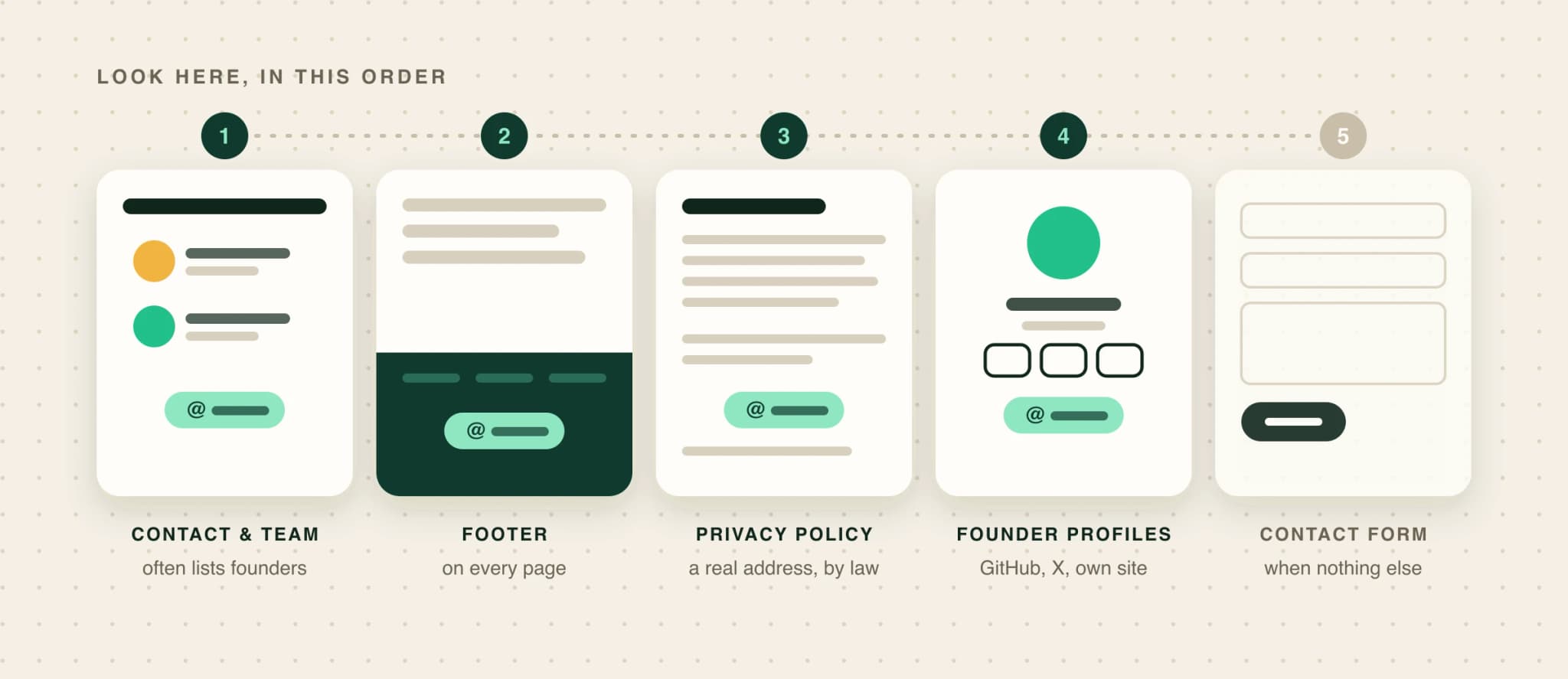
- Contact, About and Team pages. The obvious place, and at small companies the founders are often listed with an address.
- The footer. Sites that hide a contact page often put an address at the bottom of every page.
- The privacy policy and terms. Privacy law makes companies say how to reach them about your data, so these pages almost always carry a real address. At a small startup that’s often the founder’s own. If it’s privacy@ or legal@, look further: those inboxes exist for data requests, and a pitch there reads as careless.
- The founder’s own profiles. Their GitHub profile, X bio, personal site or newsletter. Many founders put “email me at…” right there because they want to be reachable.
- The contact form. If there’s no address anywhere, use the form. At a small company it usually lands in a founder’s inbox. Paste the same short email, and skip anything that needs formatting.
Is hello@ good enough?
Most guides tell you to skip generic addresses. That’s good advice at a 500-person company, where info@ is a support queue. At a five-person startup, hello@ is read by a founder, often the one you wanted. Use it, and greet the person you mean by name: “Hi Lucas” on hello@ tells the reader exactly who should answer.
Generic addresses are also simpler under UK data law. The ICO says that email sent to an address like info@company.com doesn’t involve personal data, while a named address like firstname@company.com does, so UK GDPR applies to it. You can still email named addresses, but honour every opt-out. The deliverability guide covers the rules by country.
Past about 30 people, hello@ starts to mean a shared inbox. That is when finding the named person is worth the extra time.
Guessing and verifying an address
When no address is published, the usual move is to guess one (usually first@ or first.last@ at the company’s domain) and run it through an email verifier. A verifier checks that the domain takes mail and then asks the mail server whether that mailbox exists, without sending anything.
The weak spot is the catch-all domain, which accepts mail for any address, real or not. The server says yes to everything, so the verifier can’t tell you anything, and your guess may still bounce later. It’s common, and more common on the email setup startups tend to use:
Business domains that accept mail for any address
Share of domains that accepted mail for a deliberately made-up address, by email provider.
So one in five business domains can’t be verified this way, and one in three on Google Workspace. For those, send to a guessed address only if you’re willing to eat the bounce, and keep an eye on your bounce rate: a few in a row from a fresh mailbox does real damage. When in doubt, use the address or form they published.
Contact databases, and when to skip them
Contact databases (Apollo, ZoomInfo and the like) are fast, and for established companies with stable teams they work well. For young startups they work less well: the company may be too new to be in the database, and people at small companies change roles quickly, so records go stale (data decay).
One founder on Indie Hackers bought 1,000 leads for $149, saw 21% bounce and won no customers, then hand-qualified 150 companies and got four calls and one customer. That’s one person’s report, not a study, but it matches what the rest of this guide says: for small companies, the best record of who runs it and how to reach them is their own website.
Finding the right address with PineLead
In PineLead
Only addresses it saw written down
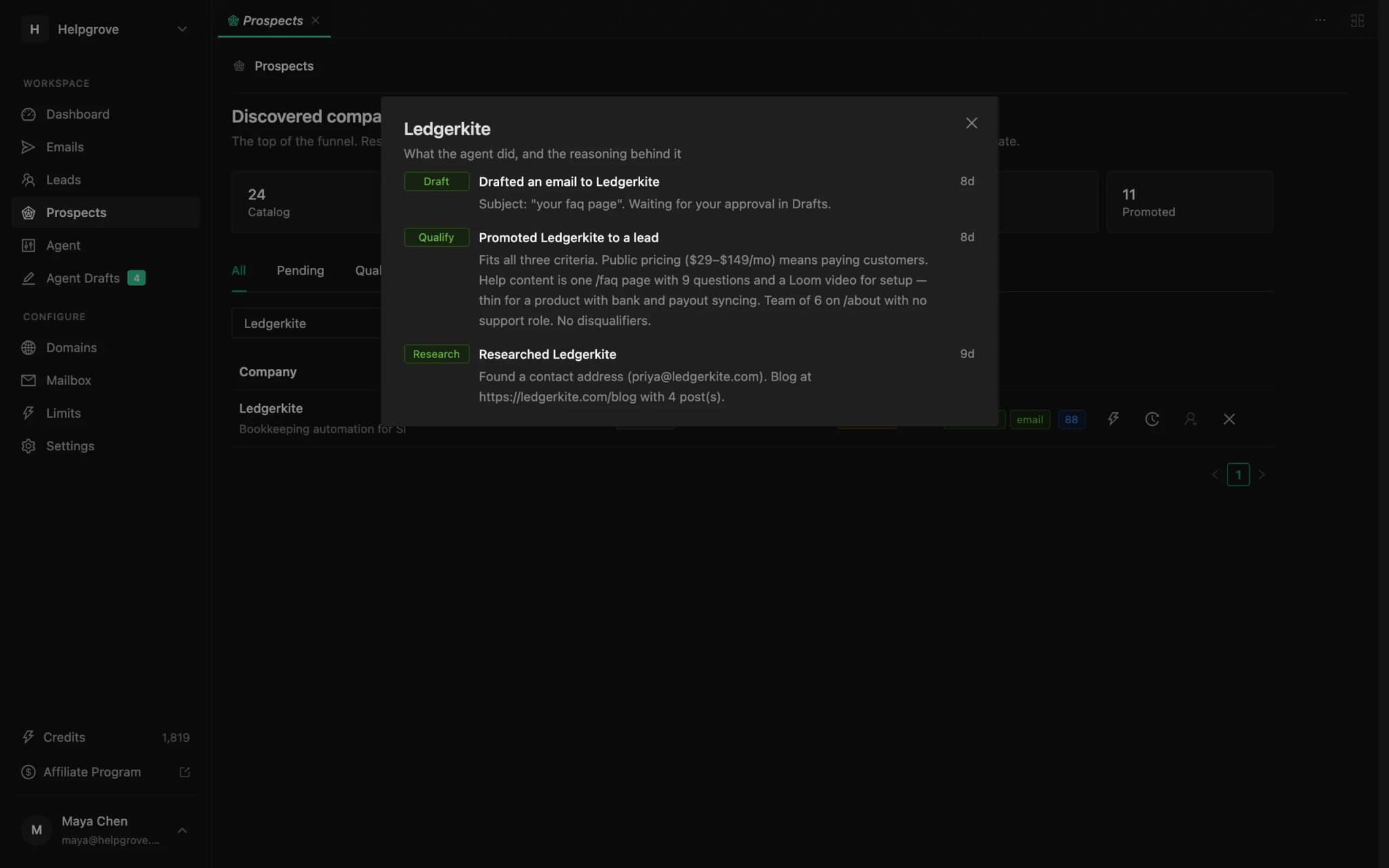
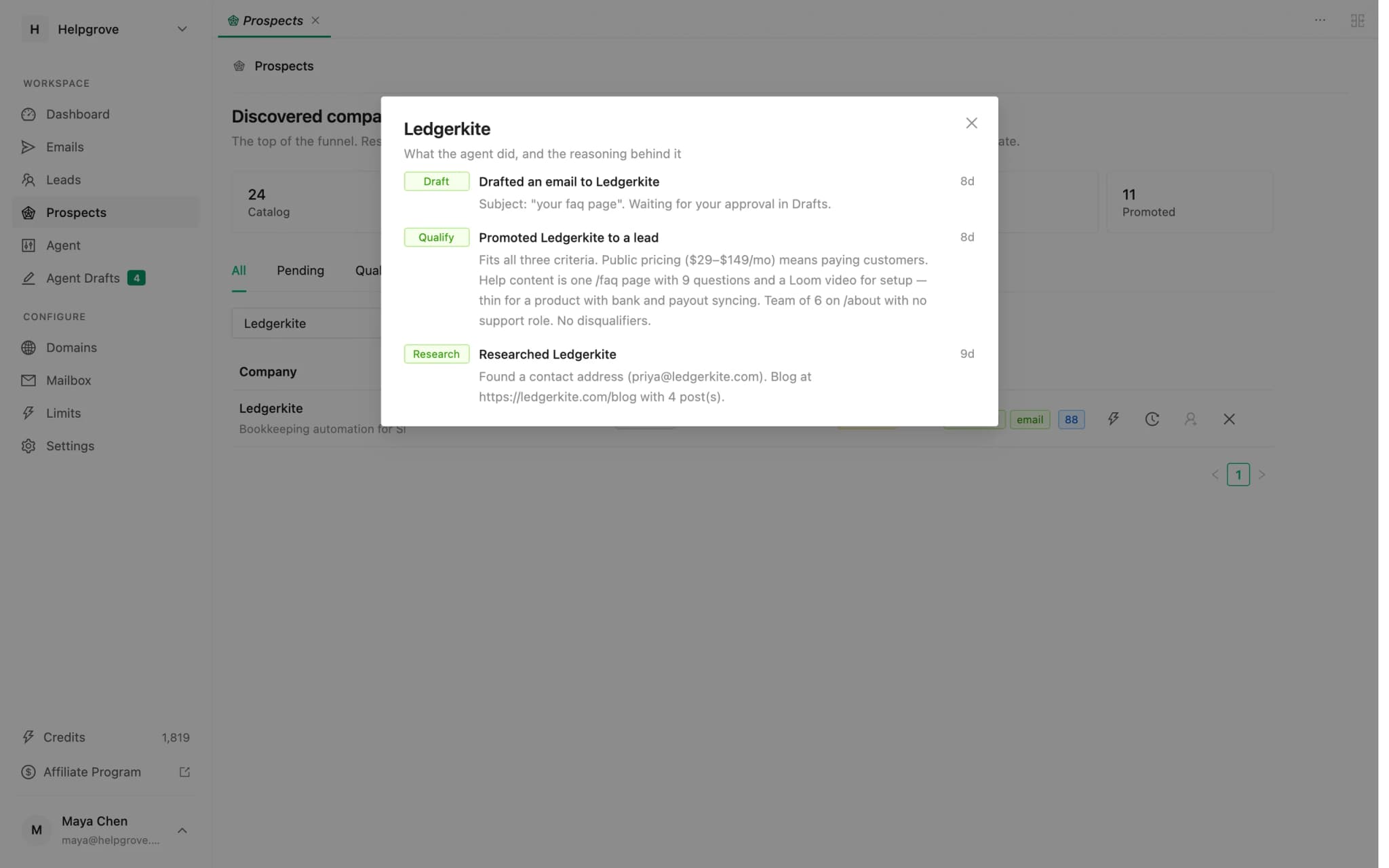
PineLead’s research looks for a contact address the way this guide describes: contact, about and team pages, the footer, the privacy policy and terms, then the company’s GitHub, X and LinkedIn profiles. It reports only addresses it actually saw on a page and never guesses a pattern. When there are several, it writes to a person before a team inbox.
- Every address is checked before anything is sent: that the domain takes mail, that it isn’t a throwaway domain, that it hasn’t bounced before and that it isn’t on your suppression list.
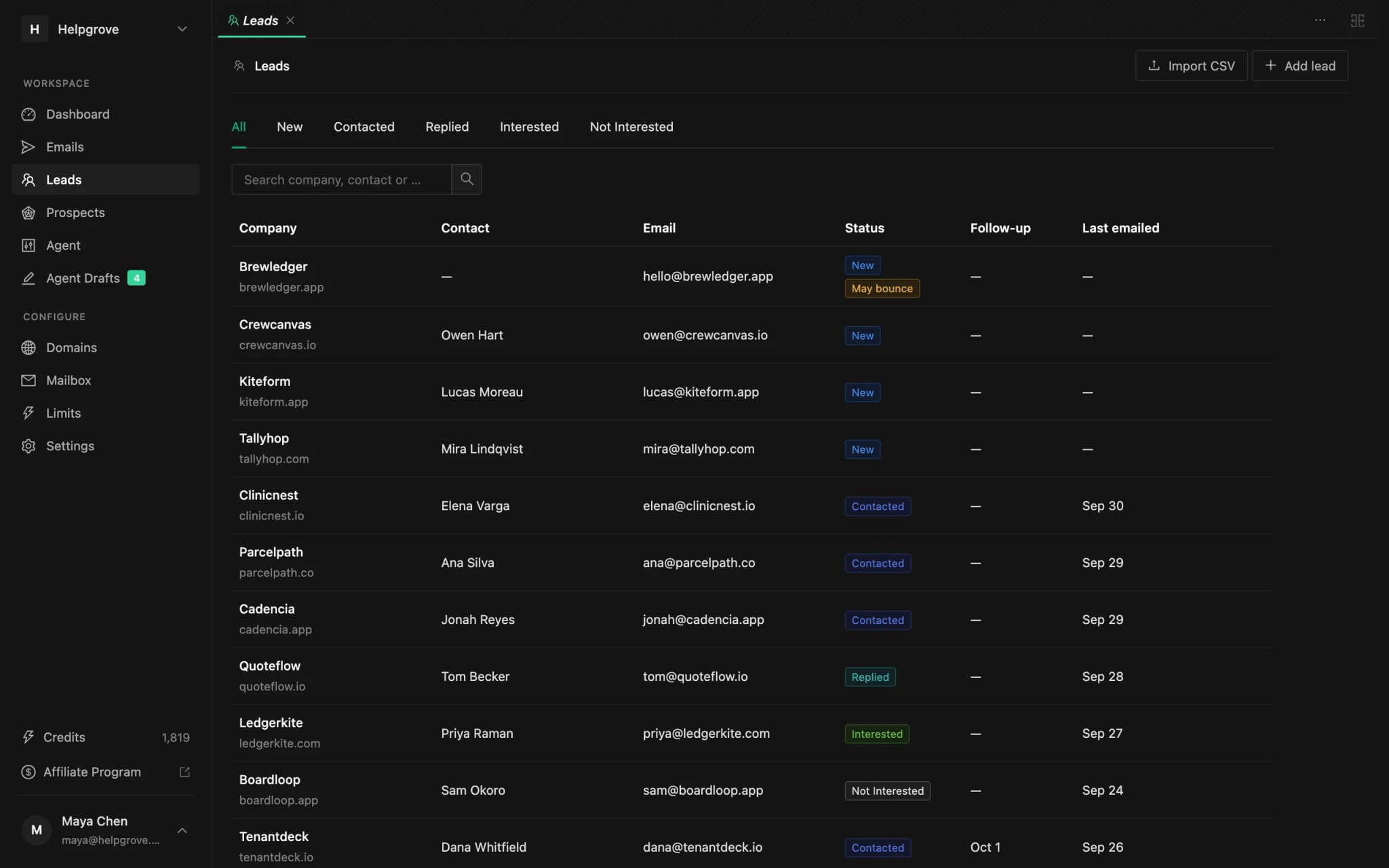
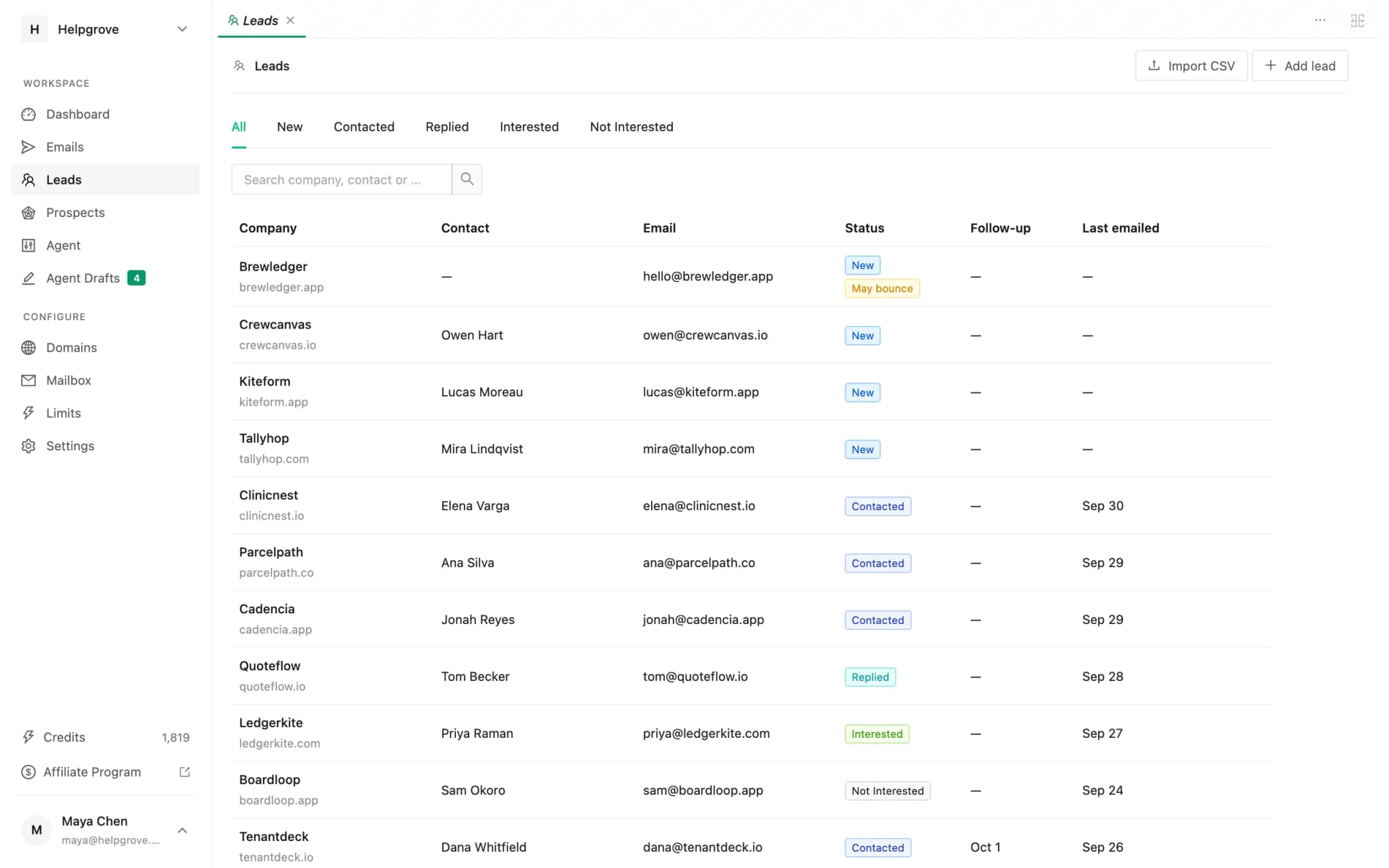
- When an address might bounce, the email waits in Agent Drafts for you, even with auto-approve on. The Leads page marks it.
- When a company only has a contact form, PineLead shows you the form link. If you find an address yourself, add it from Prospects with Promote to lead.
Frequently asked questions
- How do I find a startup founder’s email address?
- Check the contact, about and team pages, then the site footer, then the privacy policy and terms, which usually carry a real address. Then look at the founder’s GitHub profile, X bio or personal site. If there is no address anywhere, use the contact form.
- Should I email hello@ or info@ addresses?
- At a small startup, yes: a founder usually reads them. Greet the person you mean by name. At larger companies these addresses tend to be support queues, so find the named person instead.
- What is a catch-all email domain?
- A domain whose mail server accepts mail for any address, real or not. Verifiers can’t confirm whether a mailbox exists on one. BounceZero’s 2026 data found 20% of business domains behave this way, and 33% of Google Workspace domains.
- Is it legal to email a founder’s work address?
- In the US, cold B2B email is legal under CAN-SPAM if you include an opt-out and a postal address. In the UK, PECR’s email rule does not apply to corporate subscribers, but a named address is personal data under UK GDPR, so honour objections. Some EU countries require consent even for business addresses. This is not legal advice.
- Are contact databases accurate for startups?
- Less so than for established companies. Young startups may not be listed yet, and people at small companies change roles often, so records go stale. For small companies, their own website is usually the most current source.
Try it on your own market
PineLead finds new B2B prospects every day, researches and qualifies each one against your criteria, and drafts a first email you approve. Start with 100 free credits.
Keep reading
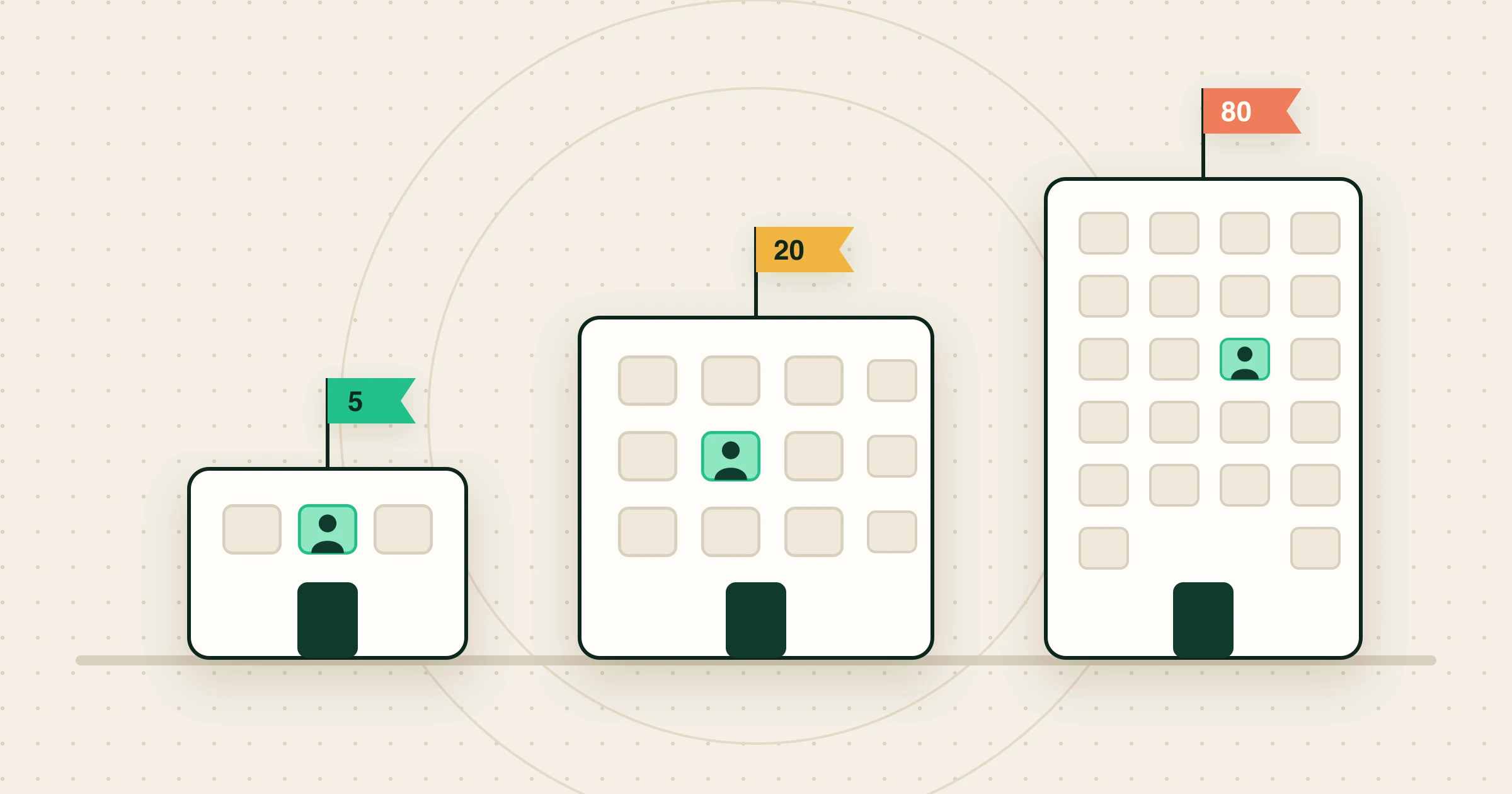 How to sell to startups (when you’re a startup too)Who decides at a 5, 20 and 80-person startup, the changes that make startups buy, what they refuse, and example first emails to one startup.
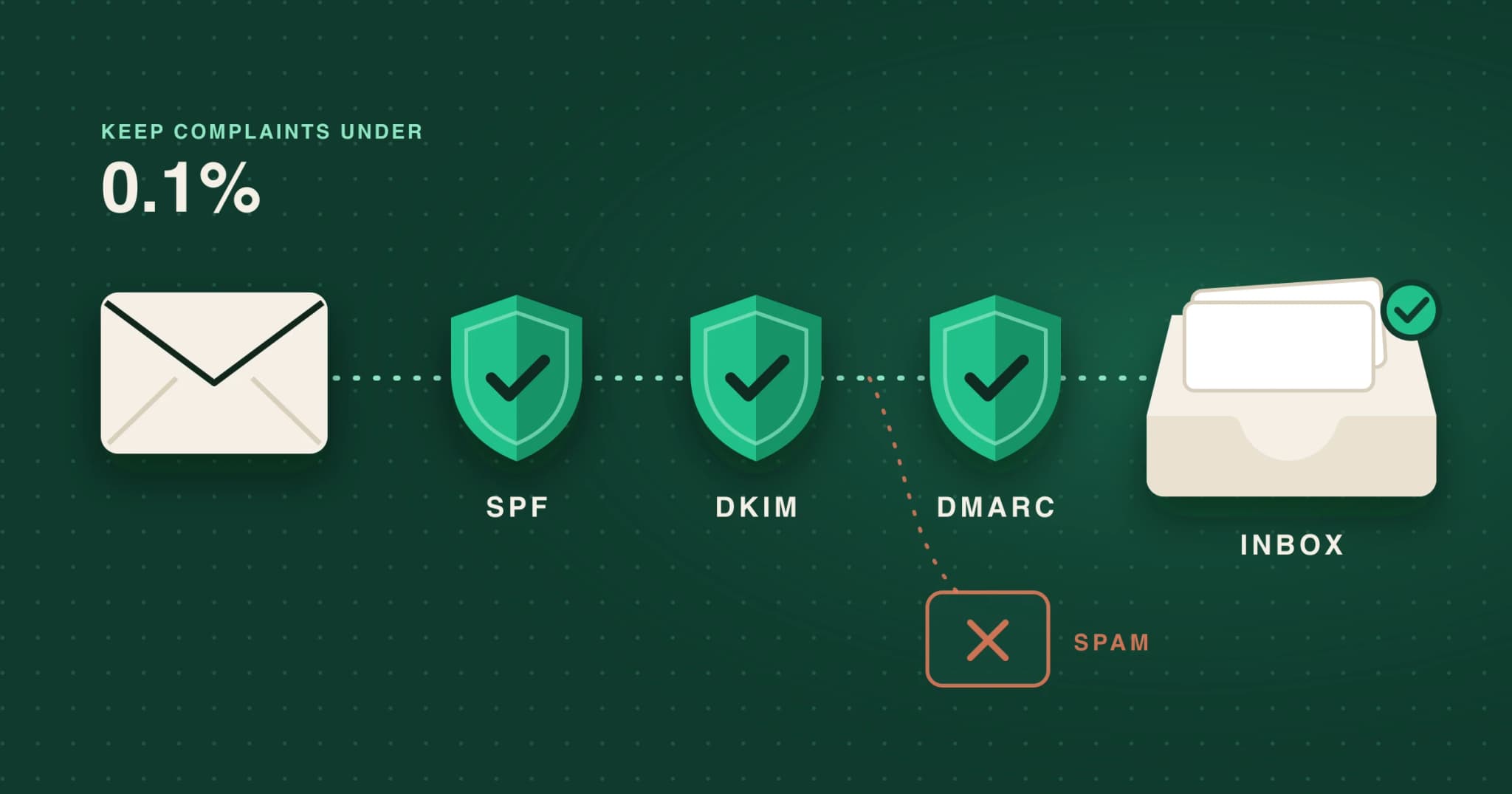 Cold email deliverability in 2026: what Gmail, Yahoo and Outlook actually requireThe sender rules Gmail, Yahoo and Outlook enforce in 2026, which apply to low-volume cold email, the numbers to watch, and a setup checklist.
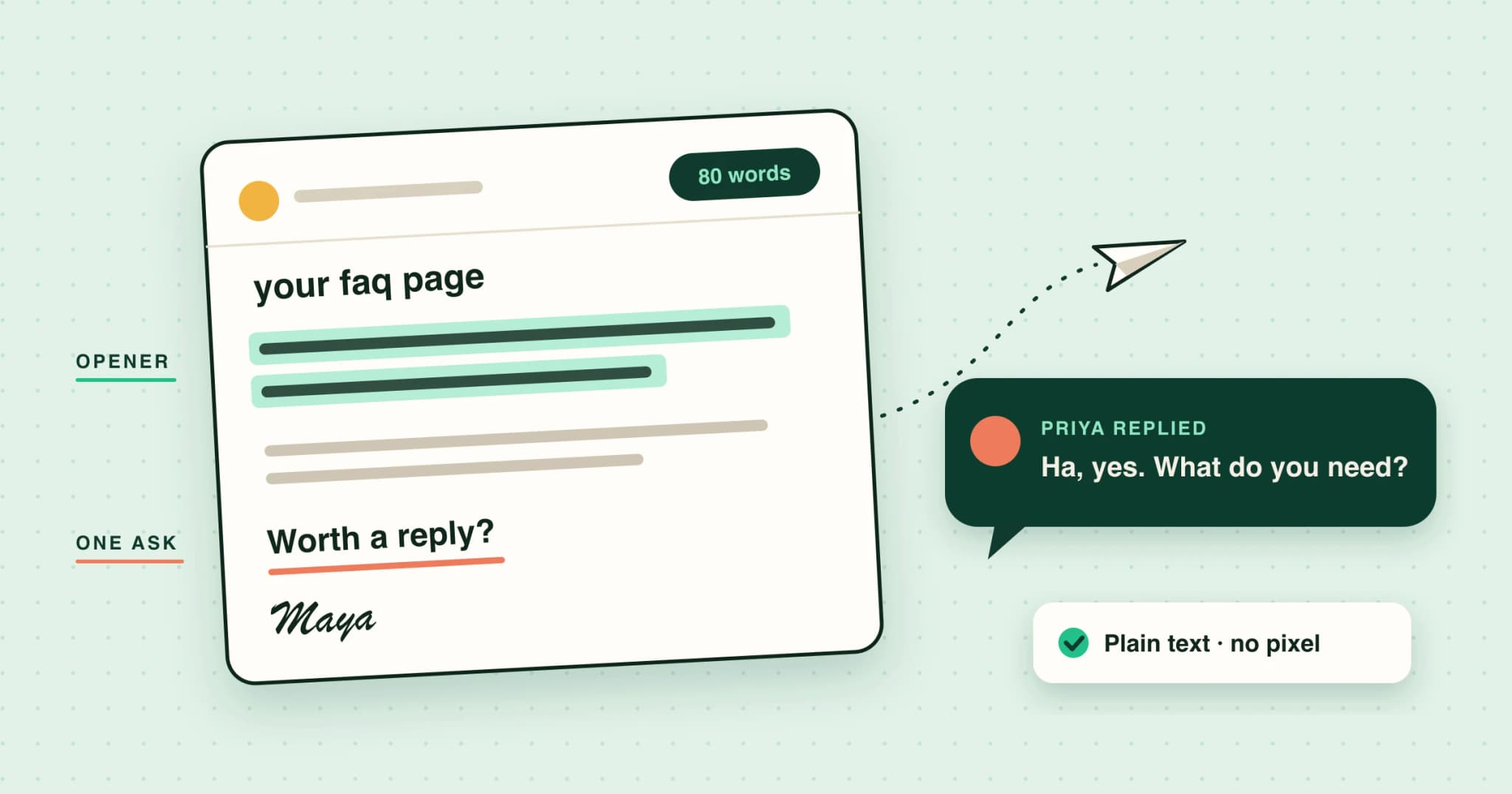 The first cold email: what 2026’s data says about length, personalization and follow-upsCold email reply-rate benchmarks for 2026, and what the data says about the first email: length, subject lines, personalization, the ask and follow-ups.
Written with Skribra, the AI blog writer that researches, writes and publishes SEO articles for your site.