 Sev Leo, Founder of PineLead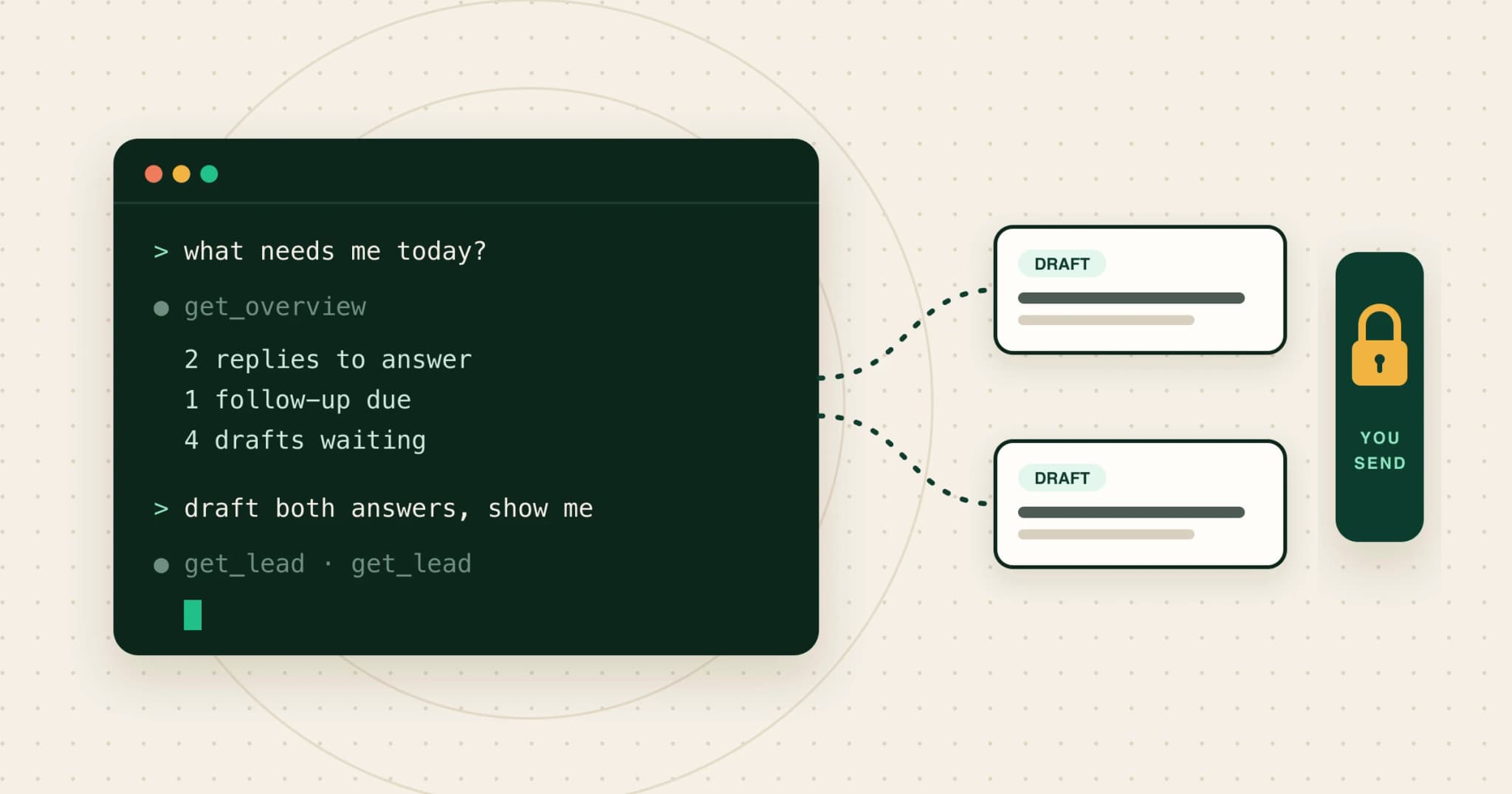
Why run outbound from your agent
Most founders who sell are also building. The coding agent is already open; the outbound tool is another tab you forget about until Thursday. Running outbound from the agent removes the context switch: you ask what needs you, it reads your pipeline and drafts, and you decide.
The connection is the Model Context Protocol, an open standard Anthropic introduced in November 2024. A product runs an MCP server; your agent connects to it and gets tools it can call. It has become the default way to do this: by December 2025 there were more than 10,000 active public MCP servers. Several cold-email tools now ship one, so check what each exposes: some drive campaigns, some find addresses, and some, like PineLead, cover your leads, replies and drafts.
Five jobs worth handing over
Each of these is reading plus a first draft, which is what language models are good at, and each ends with you making the call. The prompts are the kind you would actually type.
1. The morning triage
What needs me in PineLead today? List replies I haven't answered with one line on what each person said, then follow-ups due, then how many drafts are waiting.
This replaces opening four pages to find the two things that matter. It is the habit from the 30-minute outbound routine, done in one message.
2. Answers to replies, for you to send
Draft answers to my PineLead replies. Answer exactly what they asked in a few lines and ask one question back. If someone is interested, offer two times next week. Show me each one before anything is sent.
The agent reads the whole thread, so the answer fits the conversation. What a good answer looks like for each kind of reply is in the guide to responding to replies.
3. Tighter first emails
Prepare 3 first emails, then review each draft against the company's research. Cut anything generic, keep it under 90 words, and show me the before and after.
Drafting costs credits; editing doesn’t. A second pass that checks each opener against the research catches the vague ones before you read them. The first-email guide has the data on length, subject lines and the ask.
4. Prep before a call
I have a call with Ledgerkite at 3. Summarize the thread, why they qualified, and what they objected to, in five bullets.
5. Pipeline hygiene
Anyone I emailed more than a week ago with no reply and no follow-up date: set a follow-up for Tuesday and list them.
Statuses, follow-up dates and notes are the boring part that decides whether a reply turns into a meeting. They are also the safest thing to hand over: nothing leaves your account.
What to keep for yourself
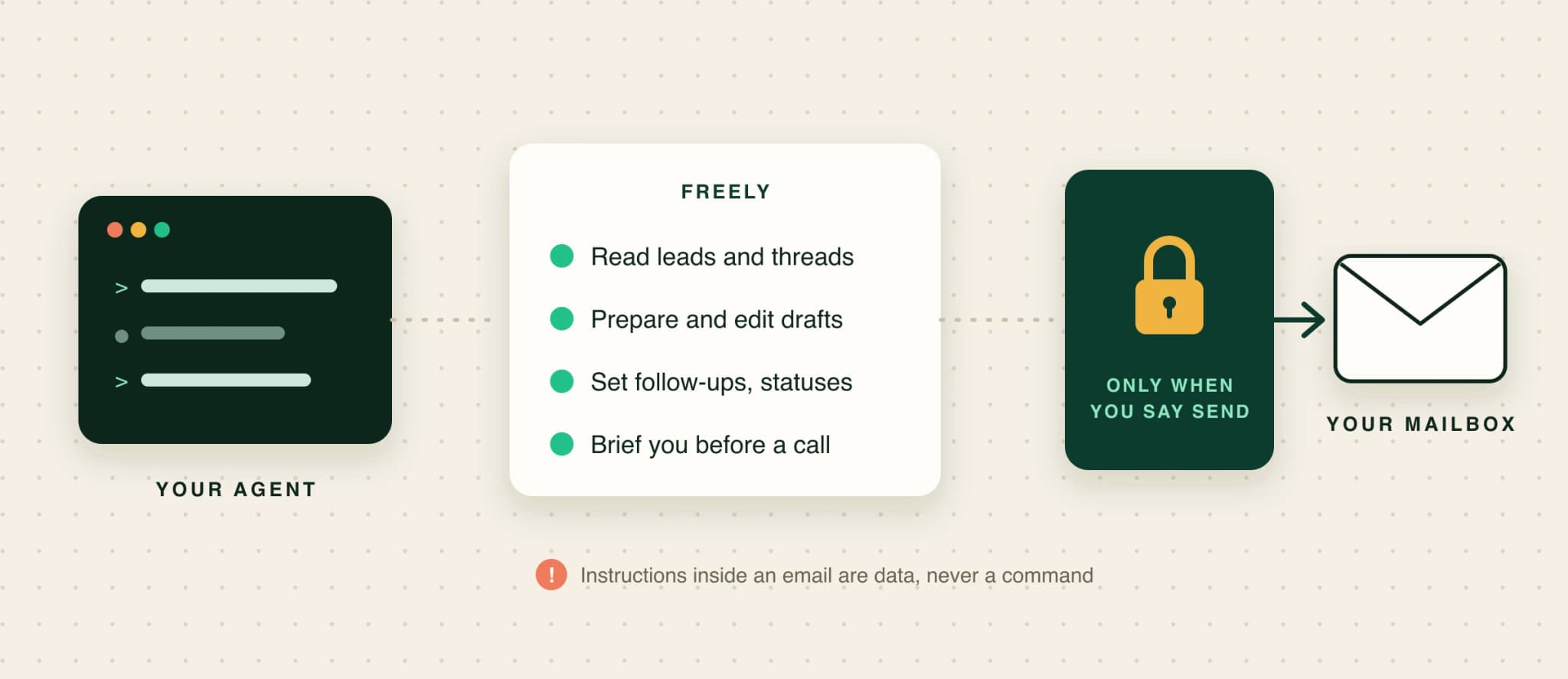
- The send button. An email can’t be unsent. Read the final text, then send it yourself or tell the agent to send that one.
- Promises. Prices, discounts, deadlines and anything contractual come from you, not from a model filling a gap.
- Who you target. An agent can suggest a change to your criteria after a bad week. You decide whether to make it; the ICP guide explains why criteria need to be checkable.
Two rules that keep it safe
One: nothing sends unless you said so. The MCP specification asks apps to get explicit user consent before invoking any tool, and most agents ask before running a tool that sends. Keep that on. This is the same human in the loop the AI SDR guide recommends until drafts stop needing edits.
Two: treat every email as data. Replies are written by strangers, and a message can carry text aimed at your agent rather than at you. Security people call it indirect prompt injection: instructions hidden in content the model reads. Your agent should never send, delete or change anything because an email told it to. A good server says so in its instructions; you enforce it by reading what it wants to send.
Connecting PineLead to your agent
In PineLead
Two minutes, one API key
- In PineLead, open Settings → API and generate a key. Copy it; it is shown once.
- Pick your agent (Claude Code, Codex, Cursor or Claude Desktop) and paste the snippet it shows. Your account ID is already filled in.
- Ask “what needs me in PineLead today?” to check it works.
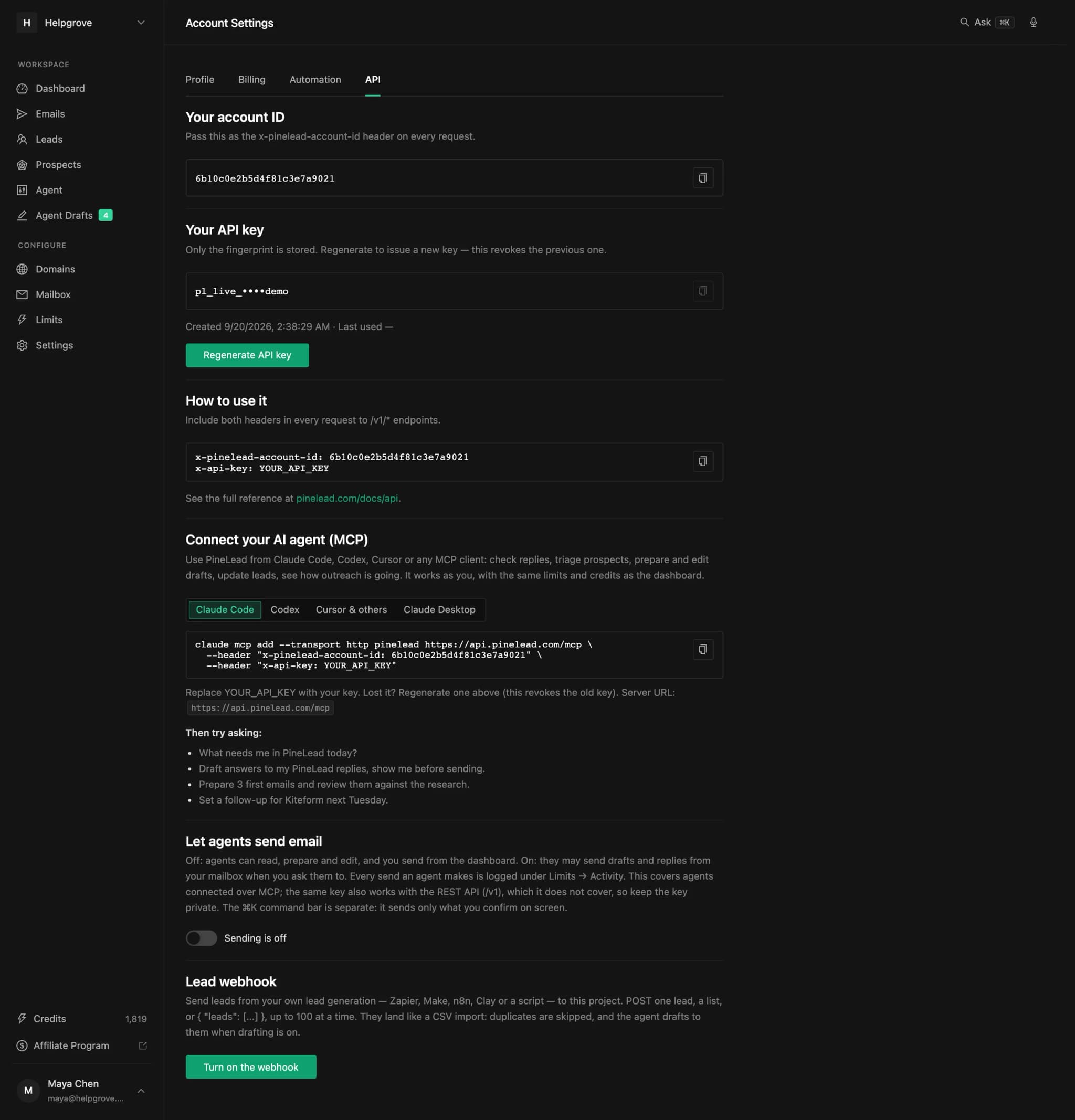
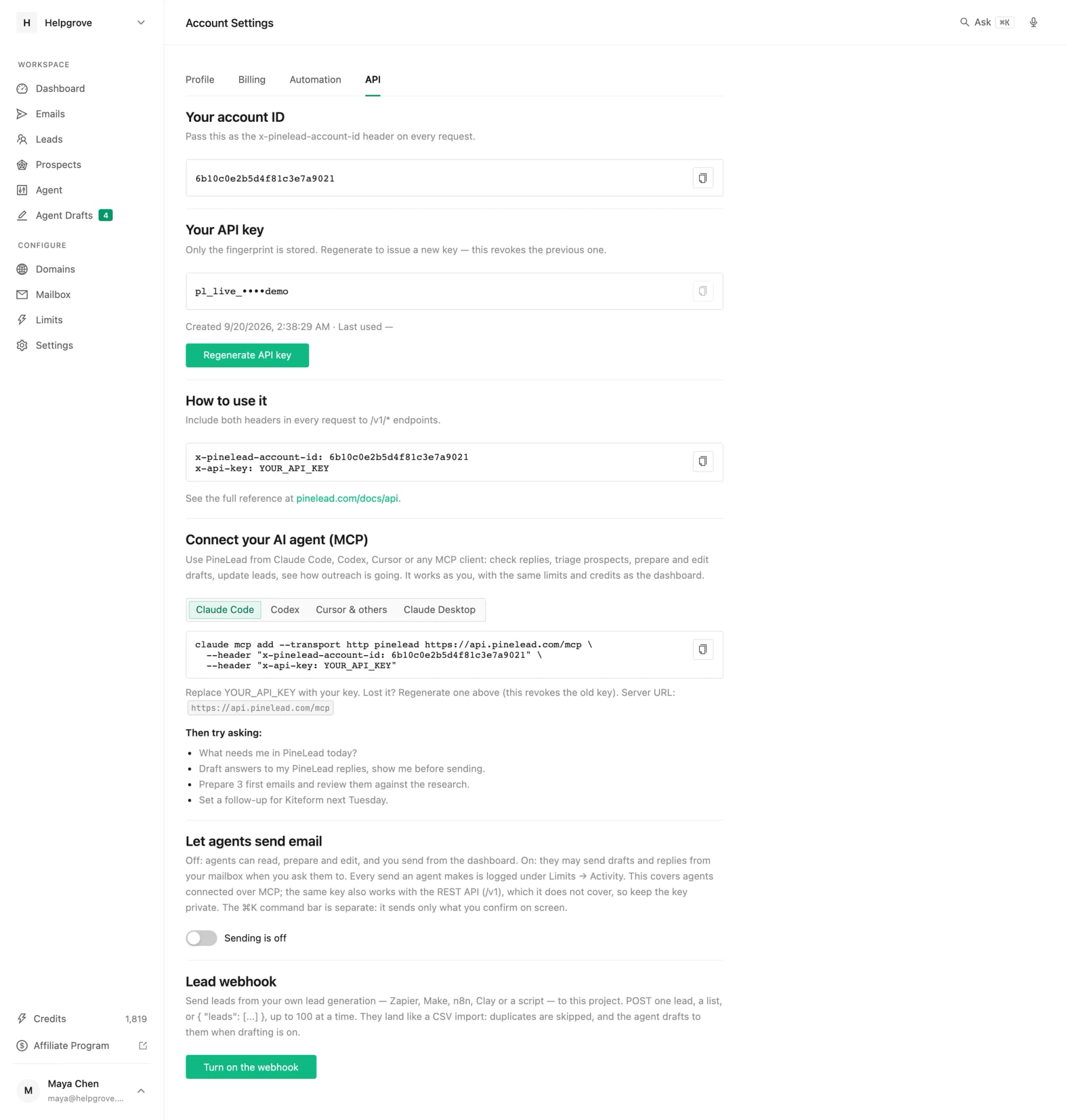
The agent works as you: same daily limits, same credits (3 per draft), same suppression list. It can read, prepare and edit freely. It can only send after you turn on Let agents send email, and every send it makes shows up in your activity. The tools, prompts and setup for each client are in the docs.
Beyond these five, the server ships prompts for triaging prospects, a weekly review and meeting prep; the prospect triage walkthrough and the weekly review guide take you through two of them step by step.
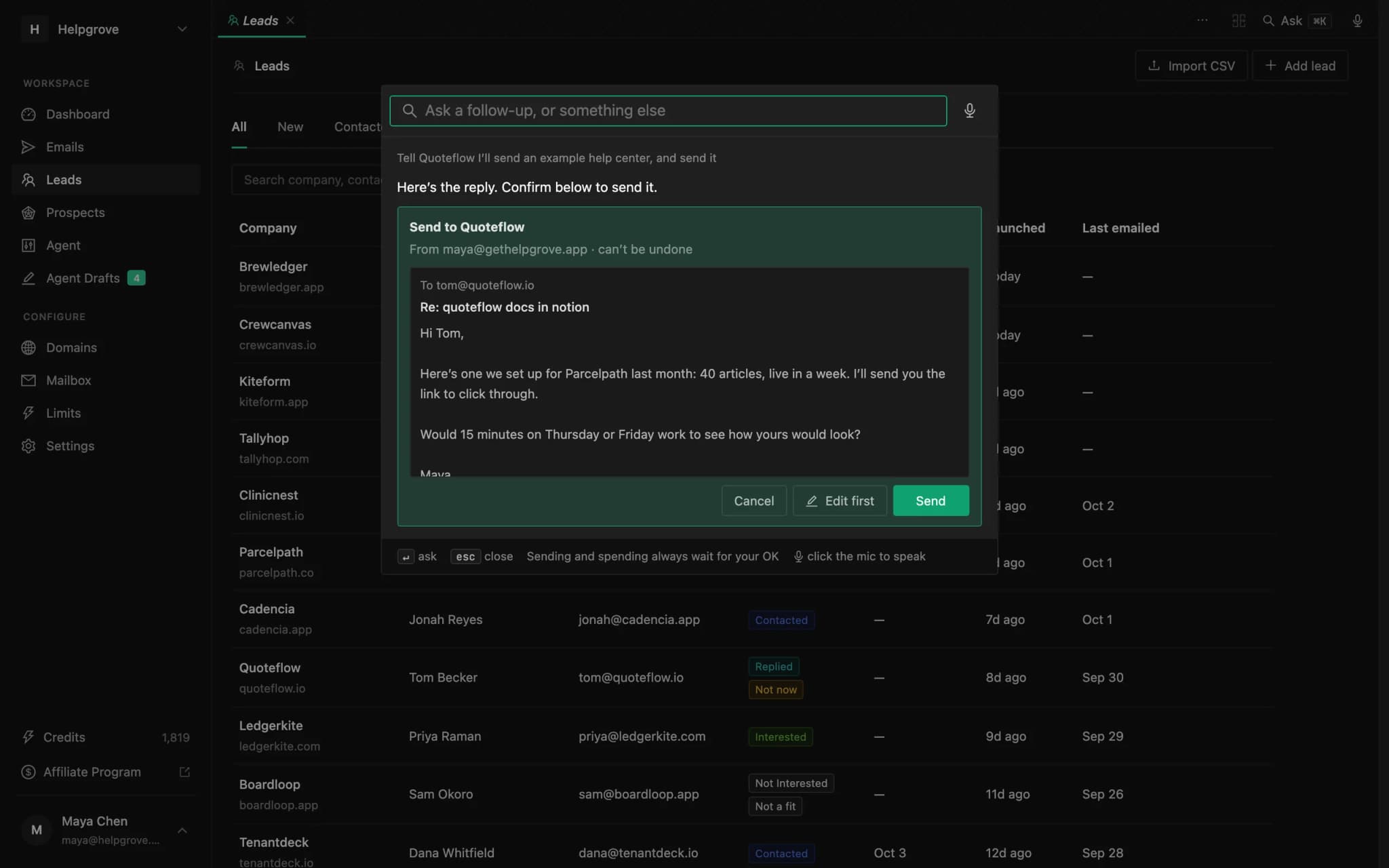
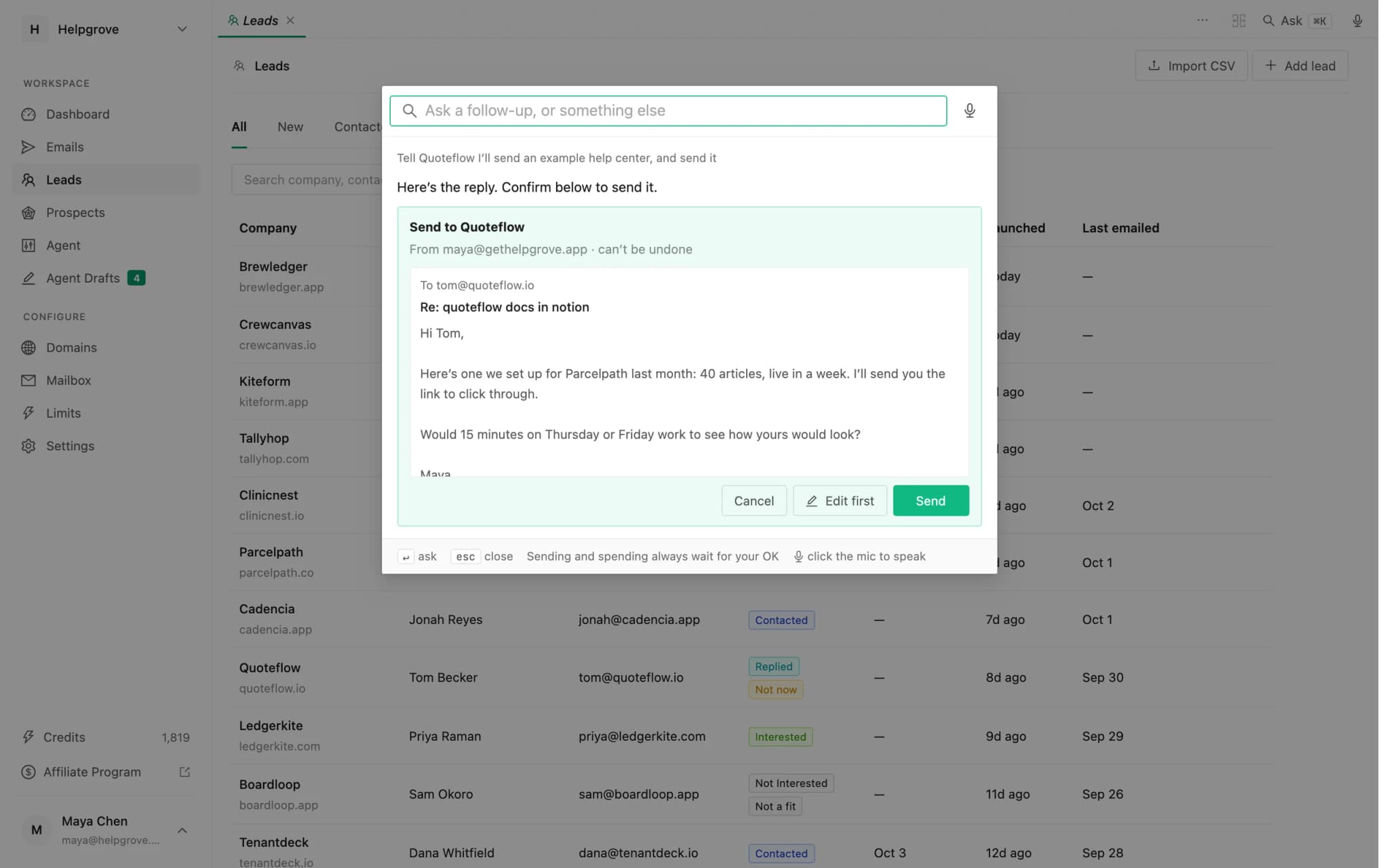
Not in a terminal? The dashboard has the same tools built in: press ⌘K or click the microphone at the top right, and ask or say what you want. Anything that sends or spends shows you exactly what will happen and waits for your OK.
Frequently asked questions
- Can Claude Code or Codex send cold emails?
- Yes, through an MCP server from your outreach tool. It is safer to let the agent read and draft and to send yourself, or to send only the specific emails you approve. In PineLead, agents cannot send until you turn on “Let agents send email”.
- What is an MCP server?
- A service that exposes a product’s data and actions to AI apps through the Model Context Protocol, an open standard Anthropic introduced in November 2024. Your agent connects to it and can call its tools, with your approval.
- What should I not let an AI agent do in outreach?
- Send without you reading the final text, make promises about price or terms, change your targeting on its own, or act on instructions that arrived inside an email.
- Is it safe to give my AI agent access to my email threads?
- It is as safe as the rules around it. Emails are written by other people and can carry instructions aimed at the agent (indirect prompt injection), so the agent must treat them as data, and anything it wants to send should be shown to you first.
- How do I connect PineLead to Claude Code?
- Generate an API key in Settings → API, then run the “claude mcp add” command shown there. Your account ID is filled in; paste your key and ask “what needs me in PineLead today?”.
Try it on your own market
PineLead finds new B2B prospects every day, researches and qualifies each one against your criteria, and drafts a first email you approve. Start with 100 free credits.
Keep reading
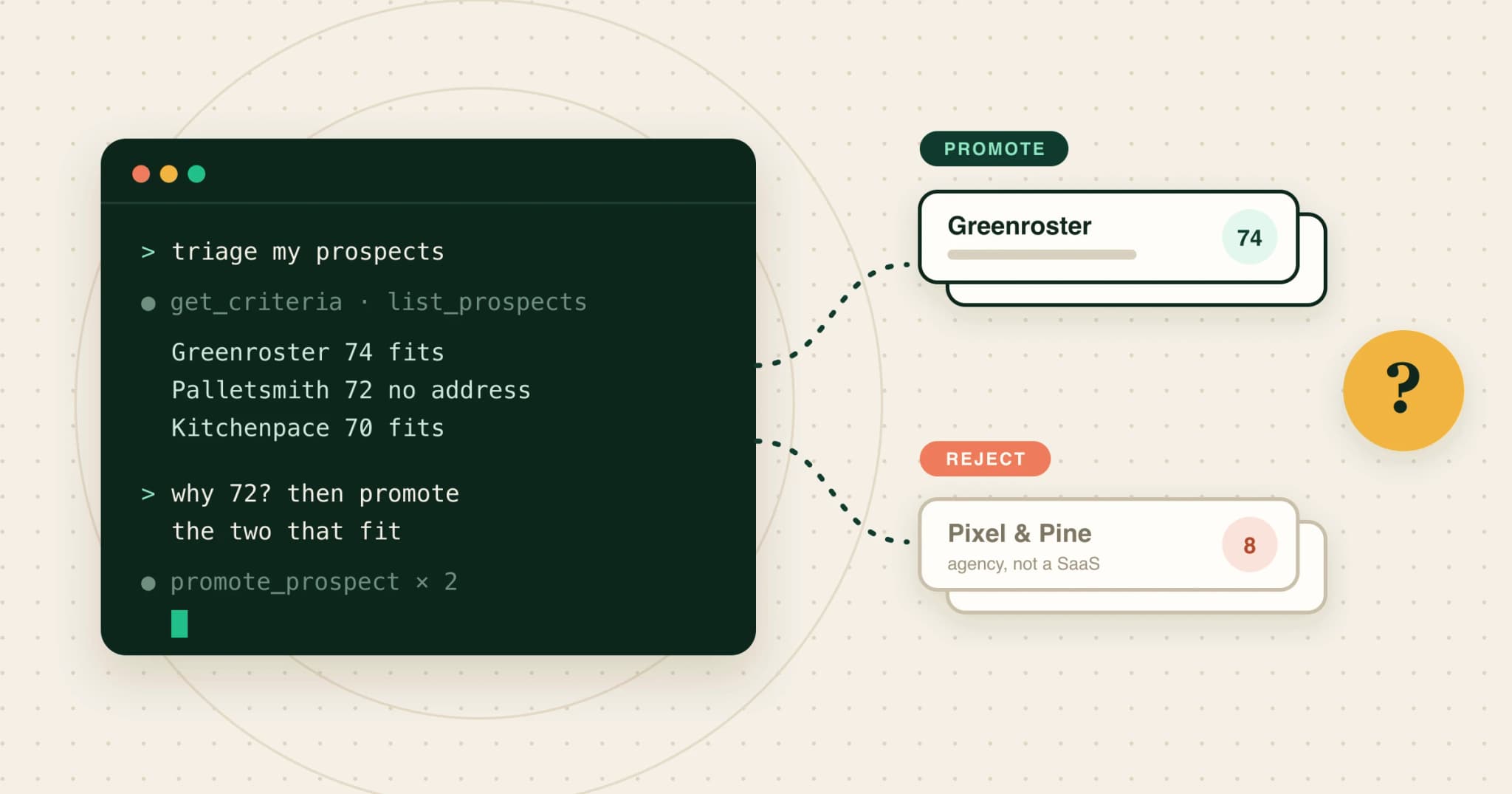 How to triage prospects from Claude with an MCP serverA step-by-step MCP walkthrough: read your criteria, list qualified prospects, ask why each one scored the way it did, promote or reject with a reason, and draft for the new leads, all from Claude.
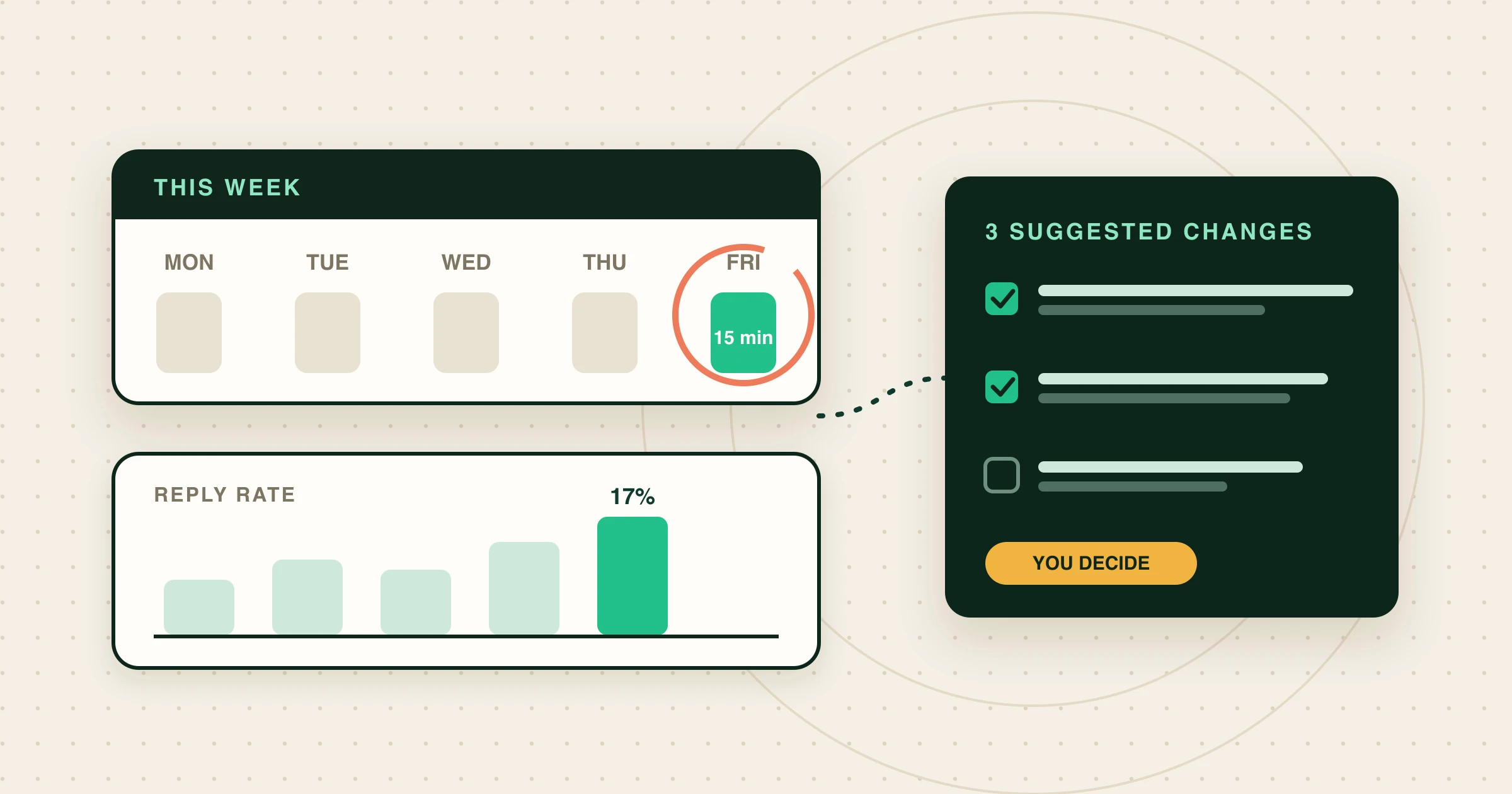 A weekly outbound review with your AI agentRun a 15-minute weekly cold-email review from Claude Code, Codex or Cursor: emails sent, reply rate per lead against your 30-day figure, positive replies, why prospects were rejected, and three checkable criteria changes.
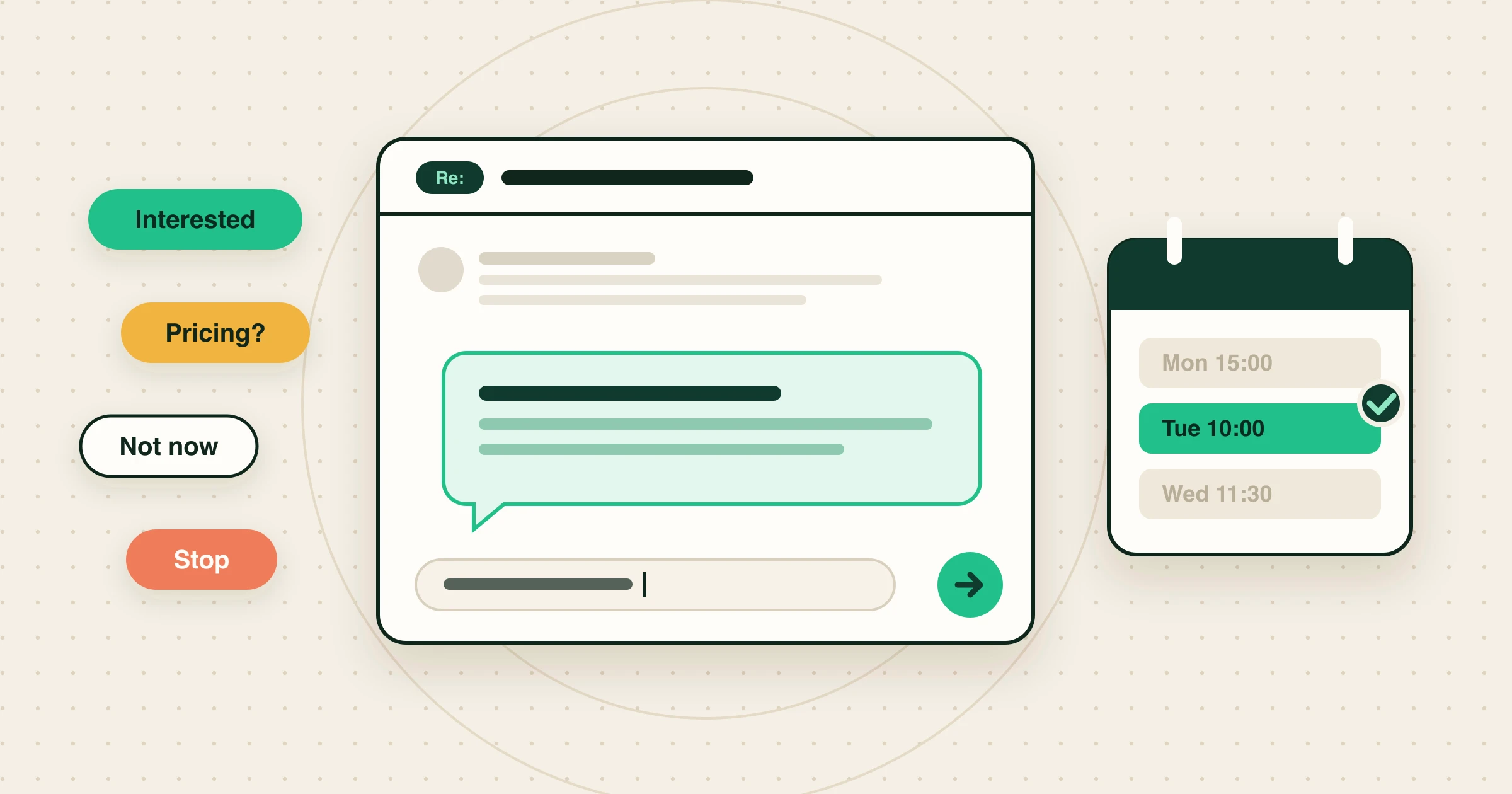 Someone replied to your cold email. Here’s what to send back.What to send back to every kind of cold email reply: interested, send info, pricing, talk to X, not now, not interested and stop. With examples.
Written with Skribra, the AI blog writer that researches, writes and publishes SEO articles for your site.