 Sev Leo, Founder of PineLead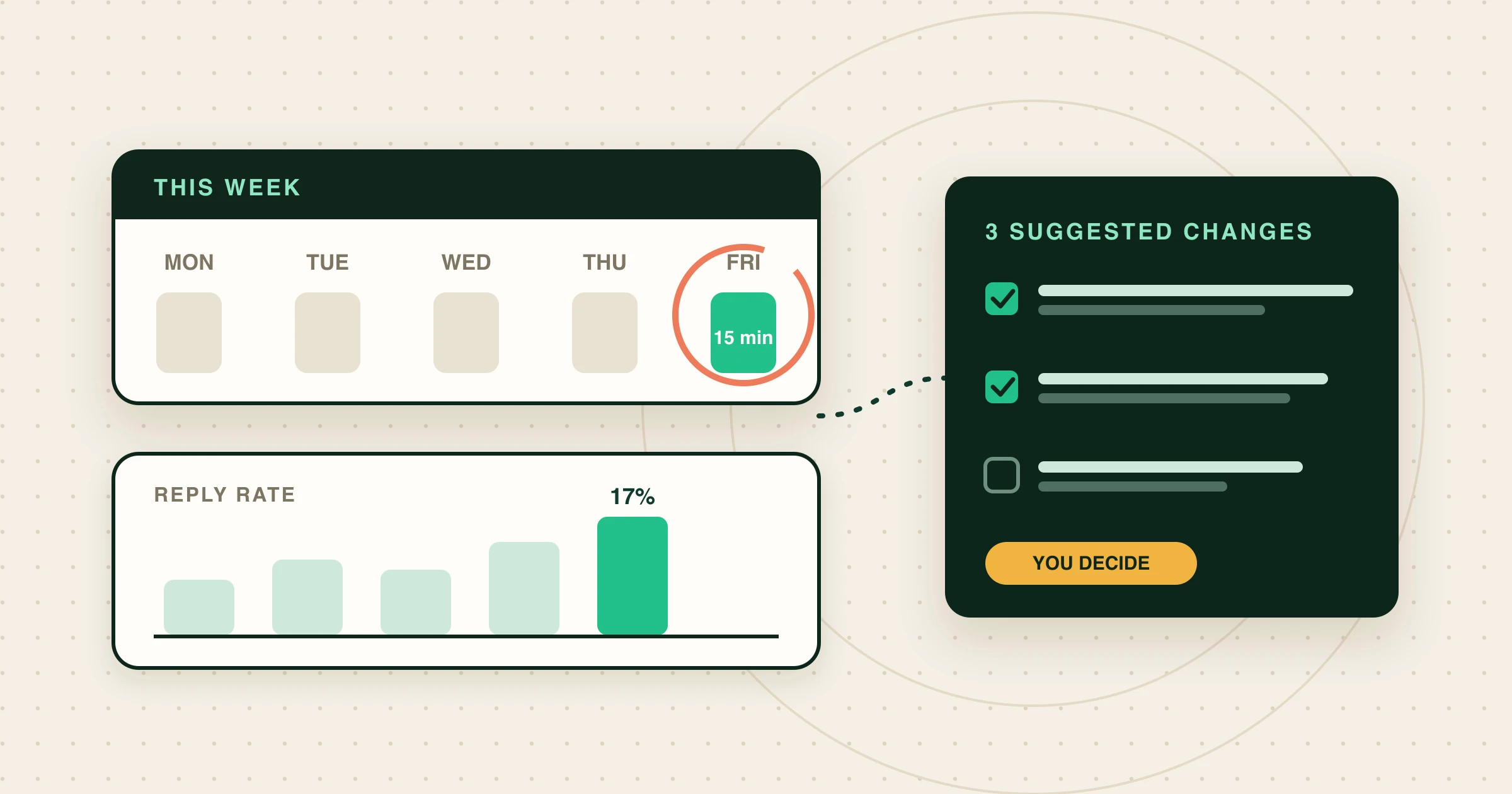
Why a weekly review
Outbound gets better in small steps: a rule added to your criteria, a line that keeps getting quoted back to you, a kind of company that never replies. You only see those steps if you look at a whole week at once. Daily, the numbers are noise; monthly, you have wasted three weeks on the same mistake.
The review is also the part founders skip, because it means opening four pages and doing arithmetic. Handing the gathering to your AI agent leaves you the part that needs you: deciding what to change.
The four numbers that matter
- Emails sent. If this is far below your plan, the problem is upstream (not enough qualified leads, drafts waiting for you), not your copy.
- Reply rate, counted per lead: leads who replied divided by leads you emailed. For context, the average across Instantly’s platform in 2025 was 3.43%, with the top tenth above 10.7%, and Hunter measured 4.5% across its users. Researched, one-to-one emails to a tight list should sit well above that.
- Positive replies. A “not now” and a “send me more” both count as replies. Only one is progress. Read them.
- Why prospects were rejected. The most useful number nobody tracks. If the same reason appears again and again, your criteria are letting through companies you would never email, or your search is pointed at the wrong crowd.
Run it with one prompt
With PineLead connected to Claude Code, Codex, Cursor or Claude Desktop (setup is in the docs), use the built-in prompt:
/mcp__pinelead__weekly_review
Or write it yourself:
Give me my PineLead weekly review. Compare the last 7 days with the last 30: emails sent, replies, reply rate. Which replies were positive? Why were prospects rejected? Then suggest at most three changes to my criteria or pitch, worded so I can paste them into the Limits page. Change nothing.
Behind the scenes the agent makes a handful of read-only calls:
get_statsfor 7 and 30 days: emails sent, replies, the reply rate per lead, leads by status, and prospects qualified, rejected and promoted.get_criteria, so its suggestions are edits to your words rather than a rewrite in its own.list_prospectswith status rejected, for the reasons, andlist_leadsfor who replied and who is interested.
What comes back looks something like this:
This week (7 days)
- 23 first emails sent, 4 leads replied: 17% (30-day: 11%)
- Positive: Ledgerkite (asked for a call), Quoteflow (asked for an example)
- Not interested: Boardloop ("we just hired a docs person")

Why prospects were rejected (last 20)
- 6 × already run a full help center (Intercom, Zendesk)
- 4 × agency or consultancy
- 3 × team over 50 people

Suggested changes for the Limits page
1. Add to "Not a fit": "Companies that just hired a technical writer
   or docs lead."
2. Make the size rule checkable: "Fewer than 50 people on LinkedIn or
   the team page."
3. No change to the pitch: both positive replies quoted the
   "live in a week" line.
Turn findings into criteria changes
The suggestions are the point of the exercise, and they are only useful if they are checkable. “Avoid companies with good docs” makes the judge guess. “Not a fit: already runs Intercom, Zendesk or HelpScout Docs with more than 20 articles” is something it can verify on a website. The guide to writing ICP criteria goes deeper on that difference.
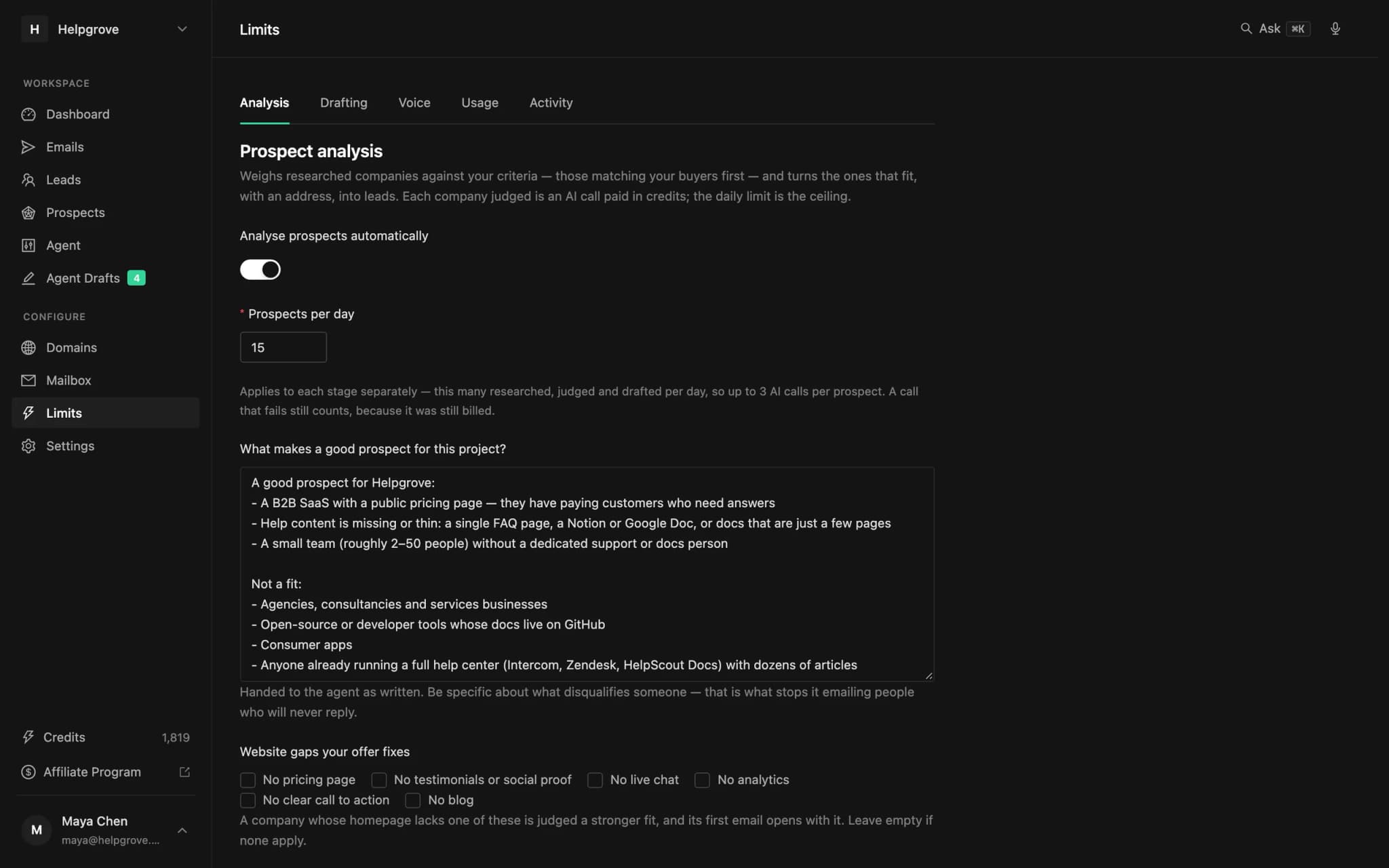
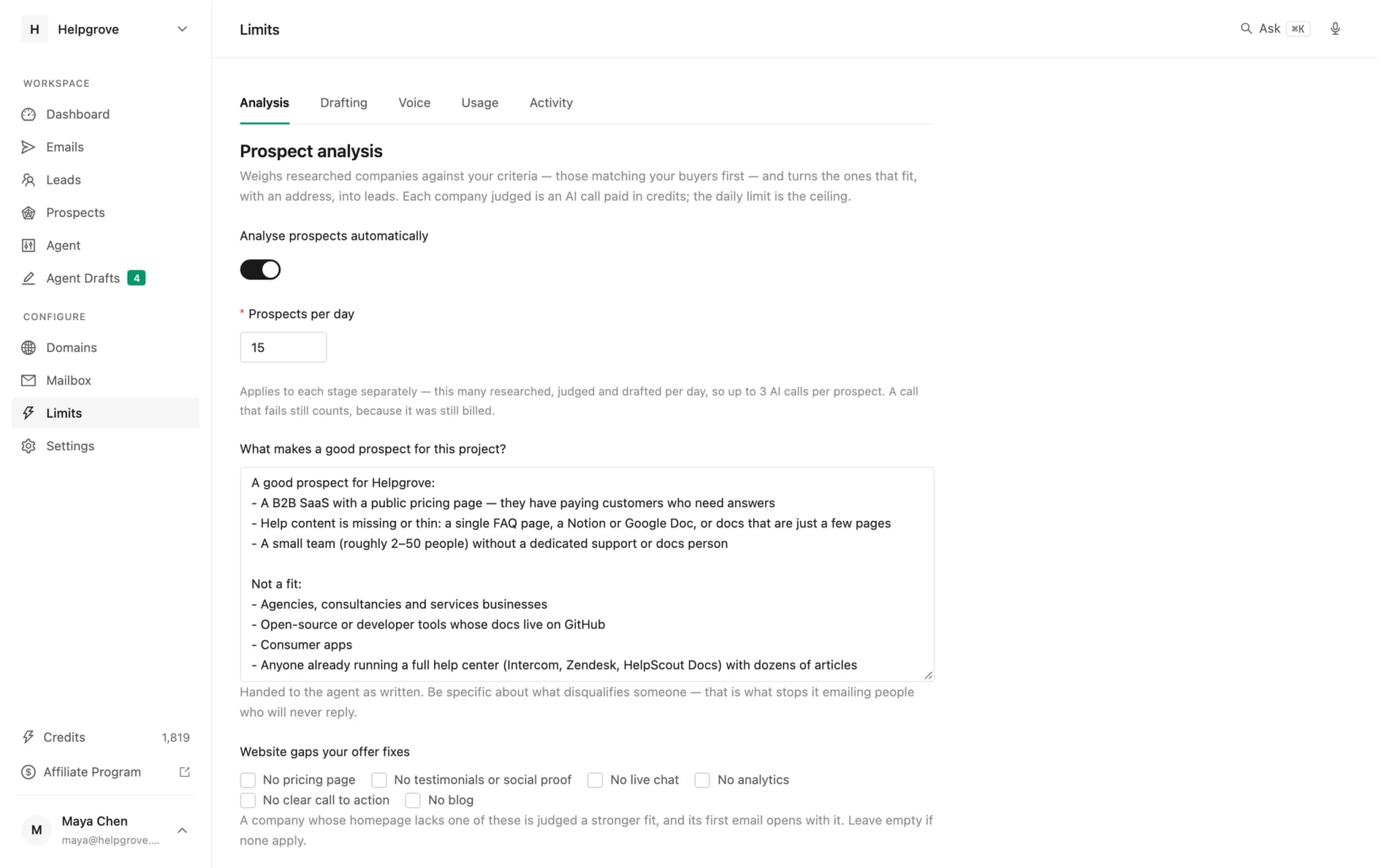
Paste the changes you agree with into Limits → Analysis yourself. Every company judged from then on is held to the new words. That is also why the agent has no tool to edit them: one quiet edit changes every verdict after it, and that decision should have your name on it.
What the replies say about your pitch
Ask one more question after the numbers:
Read the replies from this month. Which line from my first emails did people quote or react to? Which did nobody mention?
People reply to one sentence, not to a whole email. If the same line keeps coming back, move it higher. If a paragraph never gets a reaction, cut it. The guide to cold-email replies covers what each kind of reply is telling you.
Make it a habit
Same time every week, same prompt, and keep last week’s three suggestions somewhere you will see them. The review takes fifteen minutes because it only asks four questions. Combined with the 30-minute daily routine and the prospect triage, it is the whole operating rhythm of outbound for a founder who is also building the product.
Without a terminal
In PineLead
Ask the dashboard
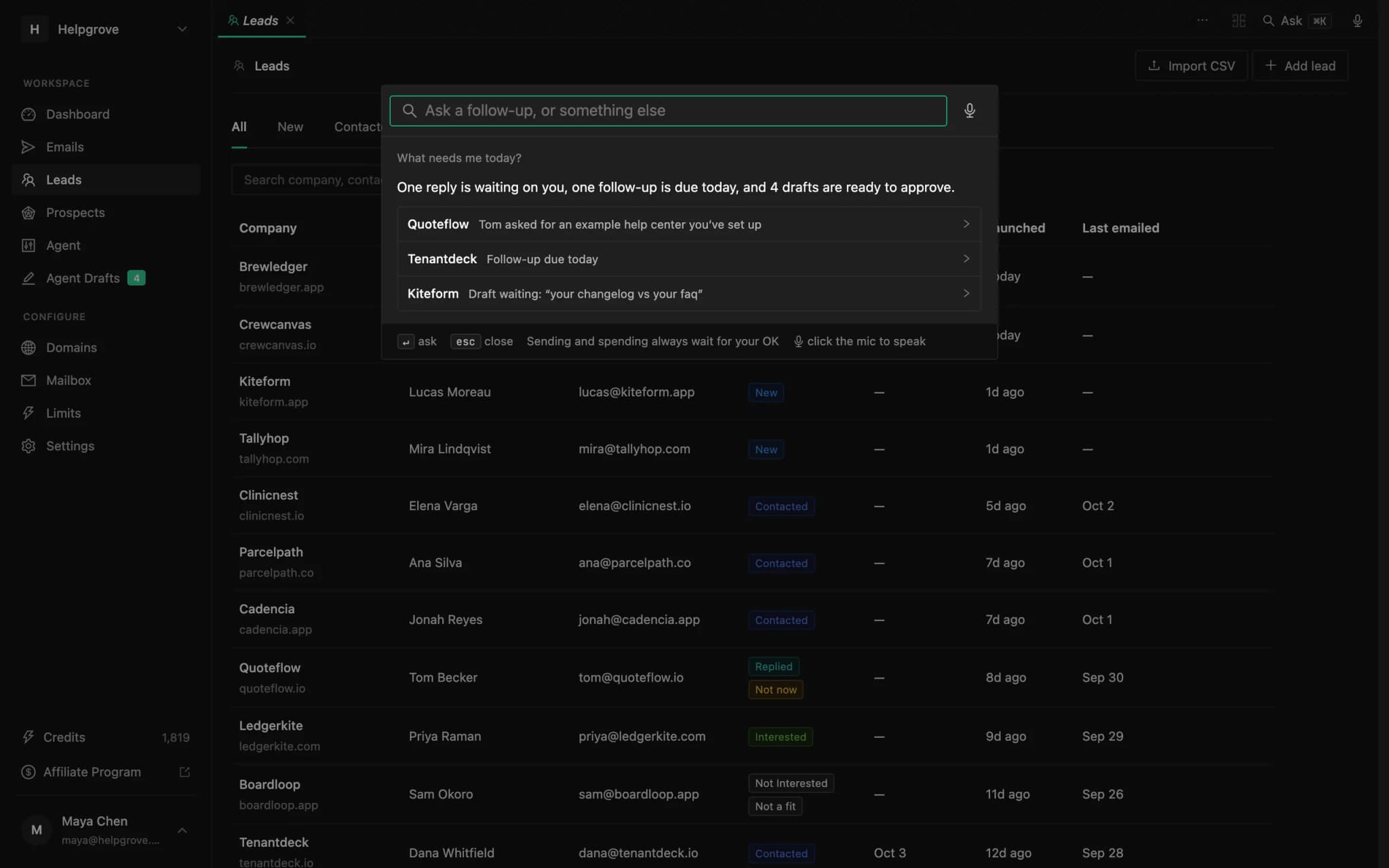
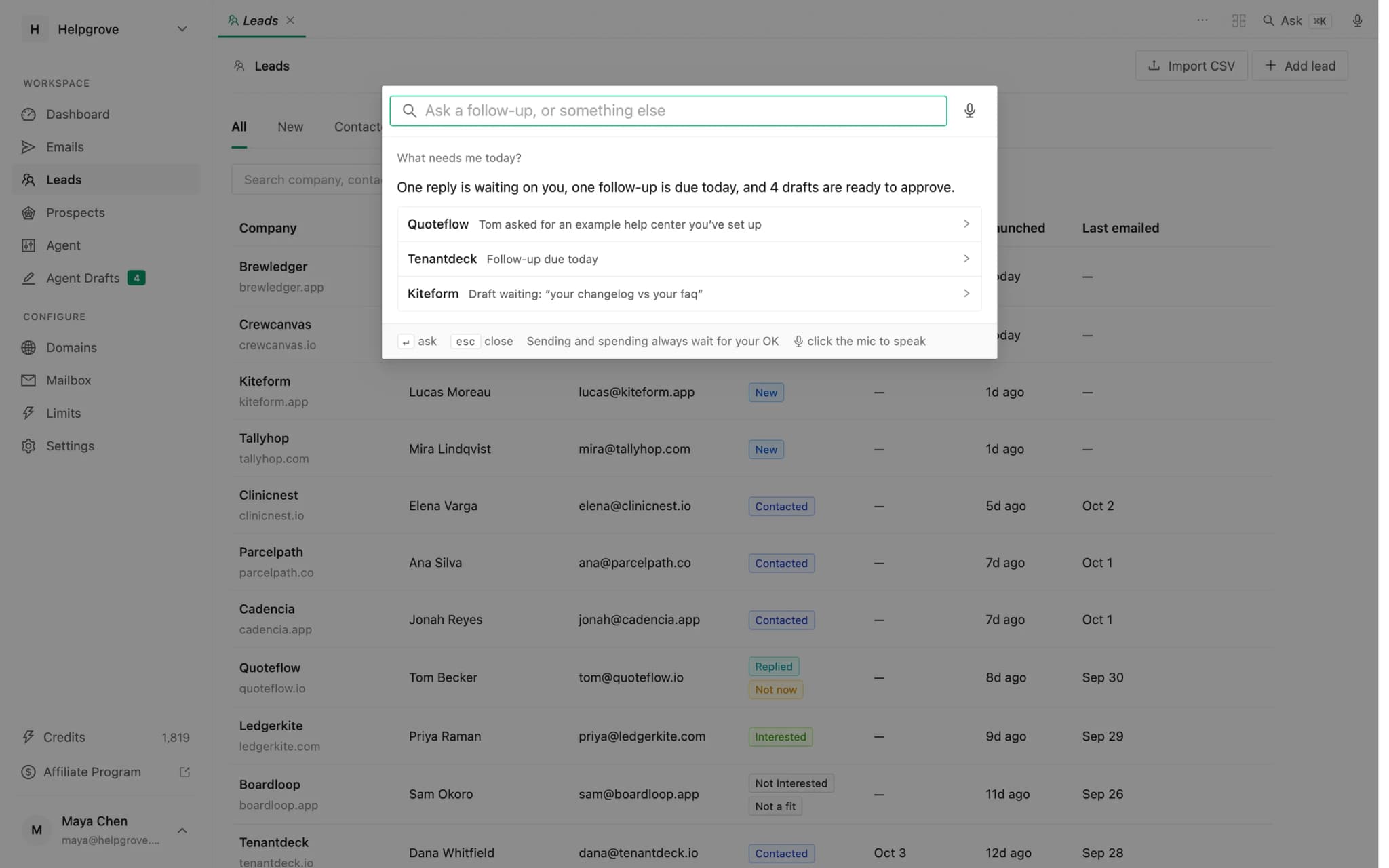
The same numbers are a question away inside PineLead. Press ⌘K and ask “how is outreach going this month?” or “why were prospects rejected this week?”. The command bar uses the same tools as your agent, answers in a sentence or two, and keeps the thread for follow-up questions. The command bar guide has more.
Frequently asked questions
- What is a good cold email reply rate?
- Platform averages sit around 3–5% (Instantly measured 3.43% across 2025, Hunter 4.5%). Researched one-to-one emails to a tight list should do better. Compare each week with your own last 30 days rather than with someone else’s average.
- How do you calculate reply rate for cold email?
- PineLead counts it per lead: leads who replied divided by leads emailed in the period. Counting per email instead makes follow-ups dilute the number.
- Can an AI agent change my targeting criteria?
- In PineLead, no. The agent can read your criteria and suggest changes worded for the Limits page; you paste the ones you agree with. Every company judged after an edit is held to the new words, so the decision stays with you.
- How long should a weekly outbound review take?
- About fifteen minutes if it is limited to four questions: how much went out, who replied, who said yes, and why prospects were rejected. An agent can gather the numbers so the time goes on deciding.
Try it on your own market
PineLead finds new B2B prospects every day, researches and qualifies each one against your criteria, and drafts a first email you approve. Start with 100 free credits.
Keep reading
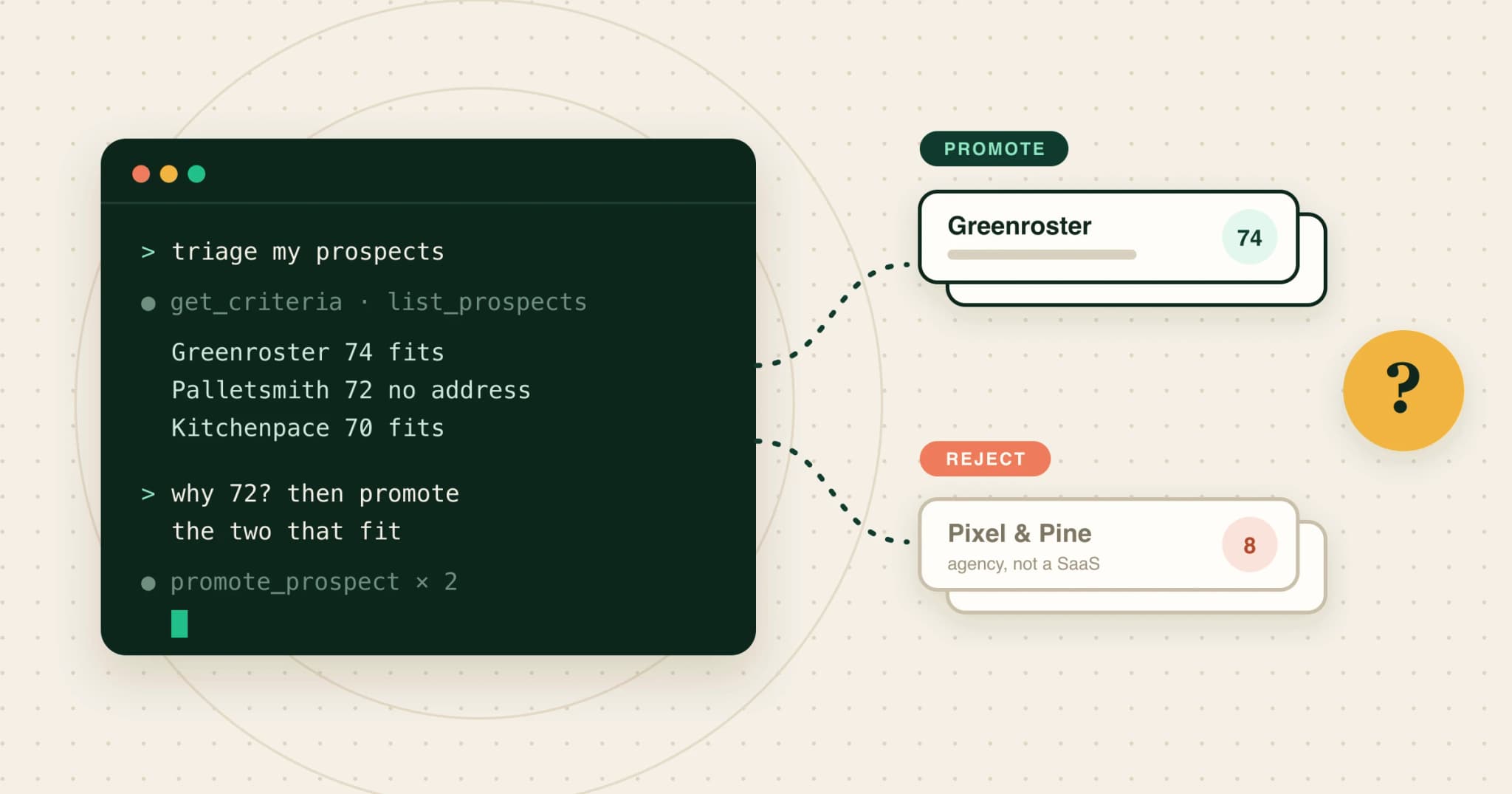 How to triage prospects from Claude with an MCP serverA step-by-step MCP walkthrough: read your criteria, list qualified prospects, ask why each one scored the way it did, promote or reject with a reason, and draft for the new leads, all from Claude.
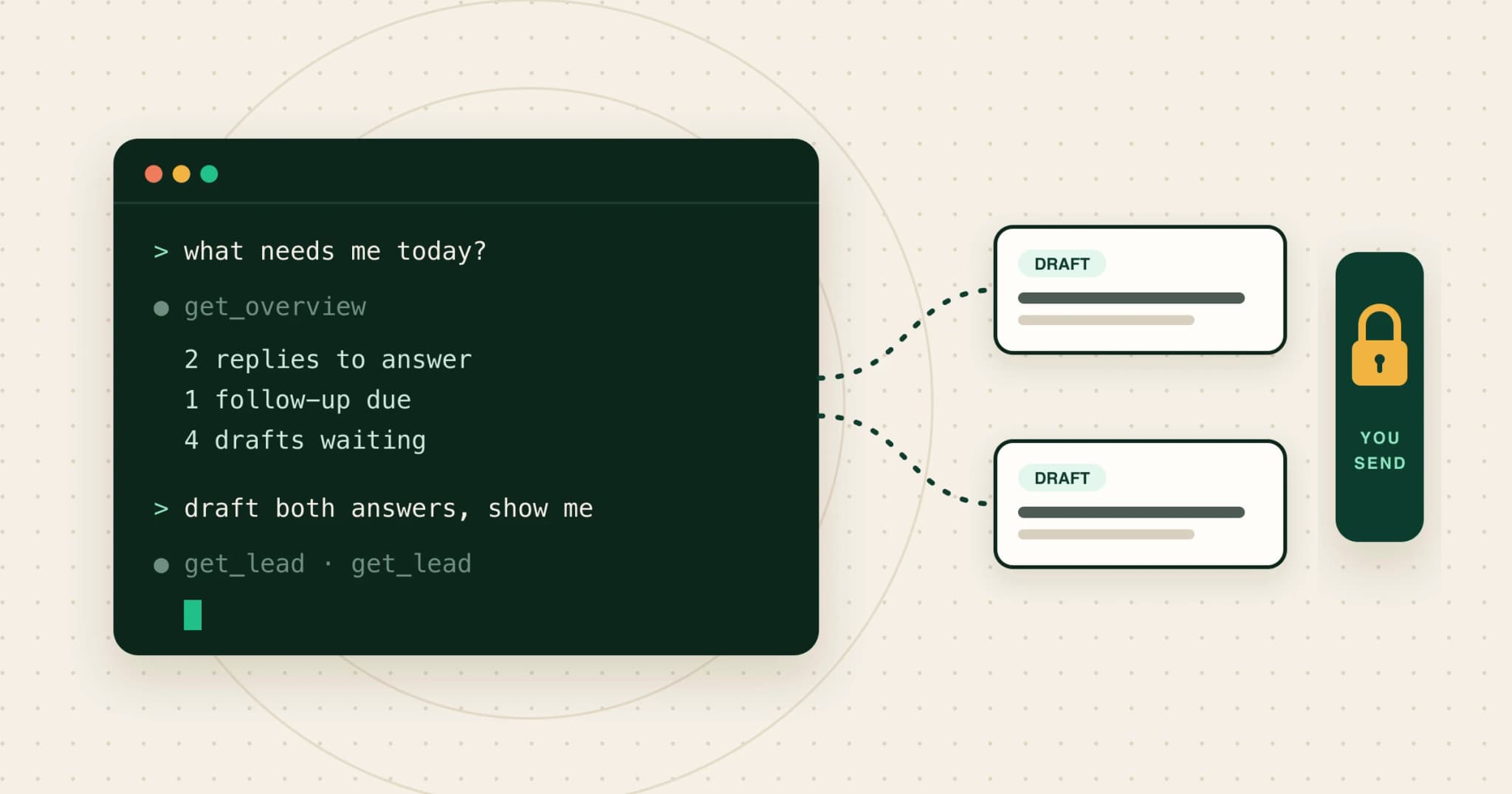 Run your outbound from Claude Code or CodexUse Claude Code, Codex or Cursor for outbound with MCP: five jobs worth handing over, with prompts, what to keep, the two safety rules, and a two-minute setup.
 How to write an ICP an AI agent can actually qualify againstTurn your ideal customer profile into criteria an AI can check on a company’s website: observable signals, disqualifiers first, a template and a test loop.
Written with Skribra, the AI blog writer that researches, writes and publishes SEO articles for your site.